The ‘Retrieve’ method does not support entities of type ‘fileattachment’ – Power Automate / Dataverse


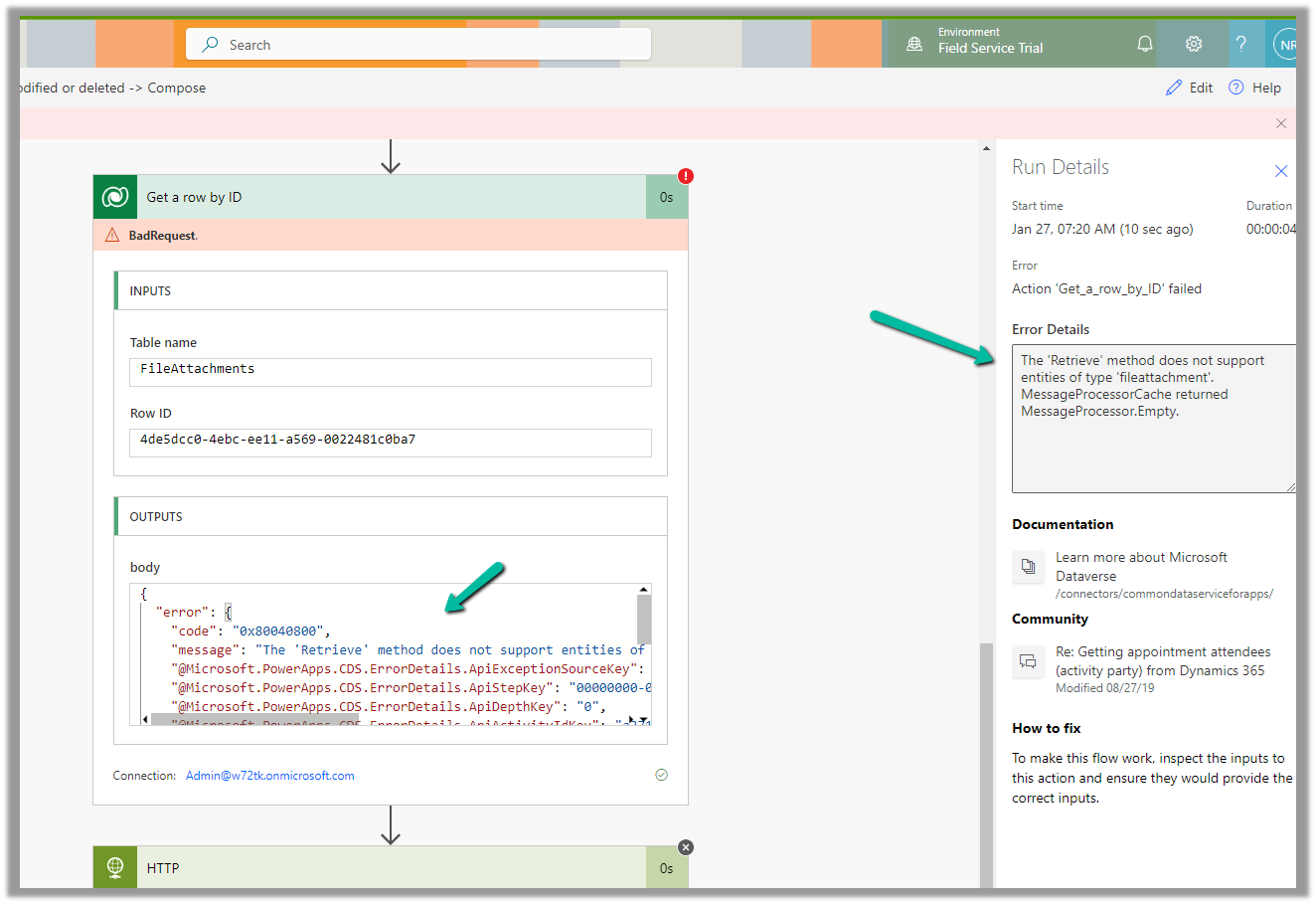
We were getting the below error on using the “Get a row by ID” action on the FileAttachments table.

We were doing it to retrieve the details like the file name and the mime type for the Image Column.

The ‘Retrieve’ method does not support entities of type ‘fileattachment’. MessageProcessorCache returned MessageProcessor.Empty.

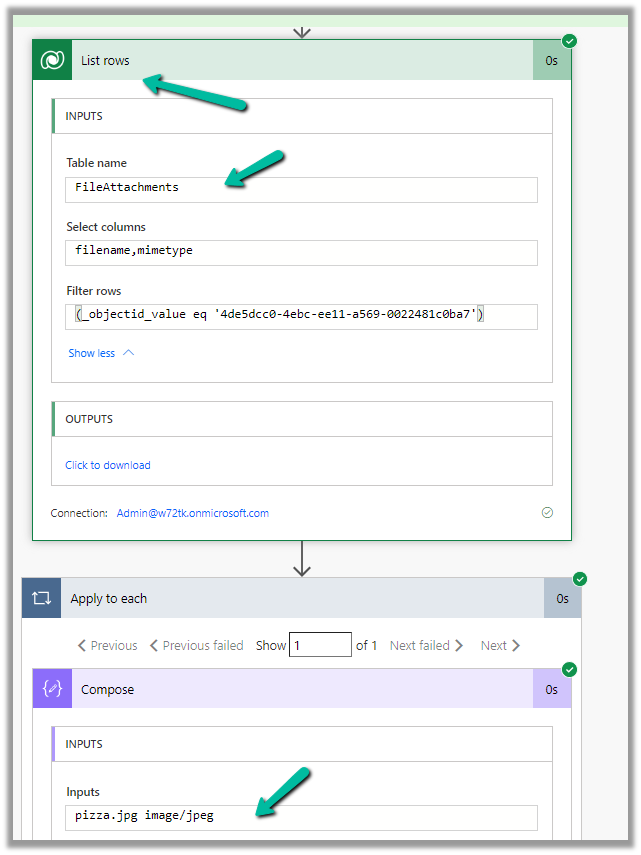
The solution here is to use List rows action instead.


The corresponding record –

Also check – https://temmyraharjo.wordpress.com/2021/09/02/dynamics-crm-plugin-development-exploring-file-and-image-datatype/

Hope it helps..

Advertisements

Flow UI showing up blank – Power Automate


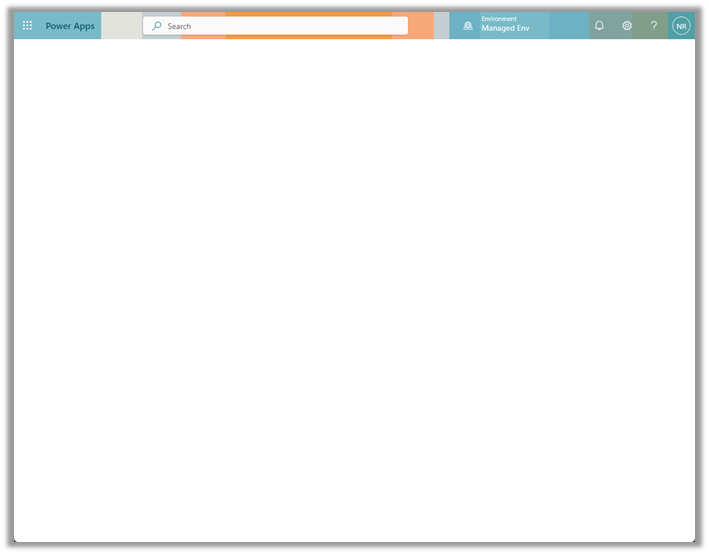
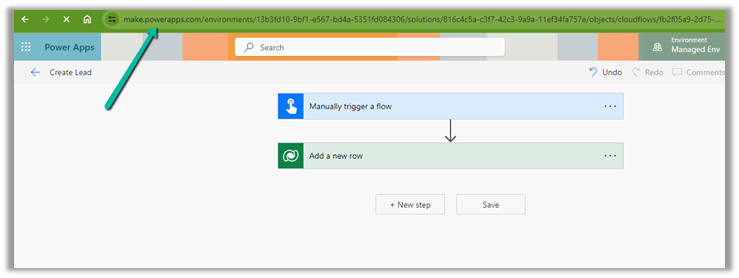
Recently on trying to open a cloud flow for editing, within the Power Apps Maker Portal,

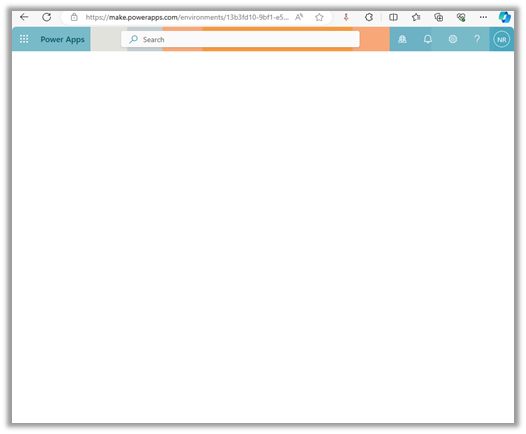
the screen appeared blank as shown below.

This was in the Chrome browser, signing out and signing in again also didn’t help.

The same was the case inside the Edge browser.

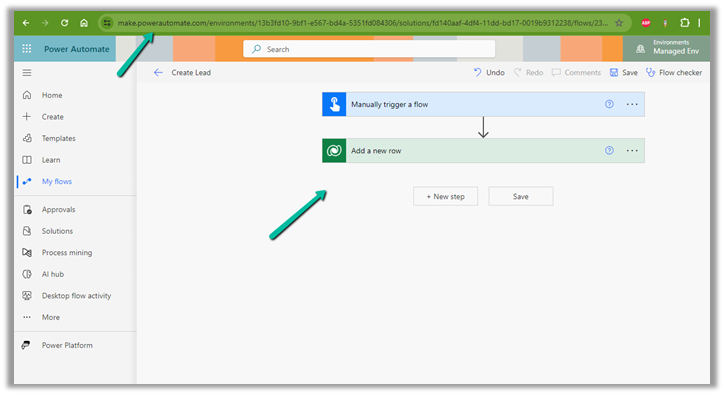
Interestingly we were able to edit from within the Power Automate Maker Portal, so we continued our work from there.

Finally, the issue was resolved automatically after 6-8 hours or so, and we could edit the cloud from the Power Apps Maker Portal also.

Hope it helps..

Advertisements

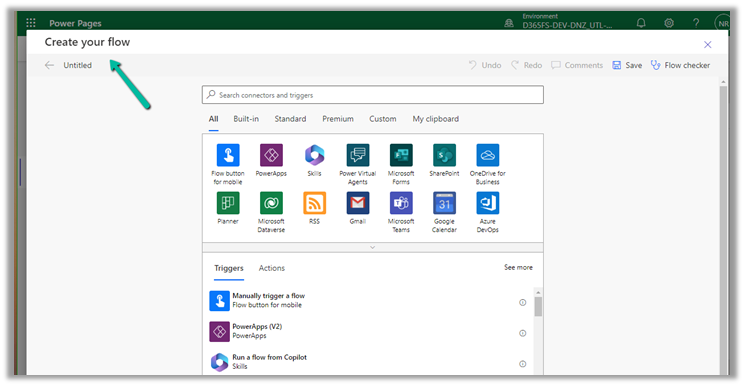
Fixed – To start using cloud flows, update to the latest package in the admin center (Power Pages)


Recently while trying to implement the below feature –

How to: Integrate Power Automate cloud flow with a Power Pages site

We were getting the below error –

To start using cloud flows, update to the latest package in the admin center.”

However, we could not find any portal package to apply the update.

We raised a Microsoft Support Ticket for it, and the team confirmed that there was a missing CDSBasePortal package, which they installed from the background, which solved the issue for us.

Hope it helps..

Advertisements

Fix – Forbidden. There’s a problem with the flow’s trigger. Fix the trigger (Power Automate / Flow / Dataverse)


Recently we got the below error “Forbidden” for one of our flows that was using the Dataverse connection.

After some analysis, we found the root cause of the error.

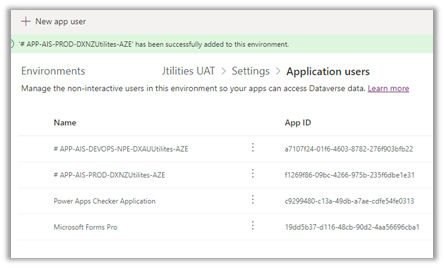
The Dataverse connection reference was created using the Service Principal but it was not added as an Application User (with appropriate security role) in that environment.

Adding the corresponding Application User used for the Dataverse connection fixed the issue for us.

Hope it helps..

Advertisements

Invoke webhook from a plugin – Dataverse / Dynamics 365

The content describes invoking a Webhook from a custom Azure-Aware Plugin, registered through a plugin registration tool. It includes code to invoke the Webhook using the IServiceEndPointNotificationService interface and a sample code snippet. The process involves updating a case record and provides guidance on the execution context and handling exceptions.


Similar to Azure Service Bus, we can invoke a Webhook from a plugin (custom Azure-Aware Plugin)

Below is our cloud flow that we have registered as a webhook through the plugin registration tool.

Below is our Webhook registered, note down the ServiceEndpointId.

Below is our code to invoke the Webhook, it uses the same interface, and we IServiceEndPointNotificationService need to provide ServiceEndpointId to it.

We have this registered in the Update message of the Incident.

Let us update a case record and see it in action.

Sample Code –

 public class CallWebhookPlugin : IPlugin
    {
        public void Execute(IServiceProvider serviceProvider)
        {           
            ITracingService tracingService = (ITracingService)serviceProvider.GetService(typeof(ITracingService));
            IPluginExecutionContext context = (IPluginExecutionContext)
                serviceProvider.GetService(typeof(IPluginExecutionContext));
            IServiceEndpointNotificationService webHookService = 
                (IServiceEndpointNotificationService)serviceProvider.GetService(typeof(IServiceEndpointNotificationService));

            try
            {
                tracingService.Trace("Posting the execution context to the Webhook.");
                // pass the GUID (ServiceEndpointId) of the Webhook 
               webHookService.Execute(new EntityReference("serviceendpoint",
                    new Guid("7b88a3c7-d2b5-ee11-a569-0022481c0ba7"))
                    , context);                            
                tracingService.Trace("Passed Successfully.");              
            }
            catch (Exception e)
            {
                tracingService.Trace("Exception: {0}", e.ToString());
                throw;
            }
        }

Hope it helps..

Advertisements

Implementing No Code Dynamics 365 Service Bus Listener using Logic Apps