Task and Phone Activity Created through the Social Pane CRM 2013/15/16


Interesting

Ranjeet Patel's avatarRanjeet Patel

When I tried to run a post create plugin on any activity (i.e. phonecall,  task, email, etc) that time i was unable to get the regardingobjectid in the target entity.

then I looked into the Audit history of this entity and found out that at time of creation we don’t get the “regardingobjectid”, internally some workflow of something runs and it creates one update audit history, and i found out that update audit history really update the regarding object id.

then i registered  my post create plugin to post update plugin and this solved my problem.

View original post

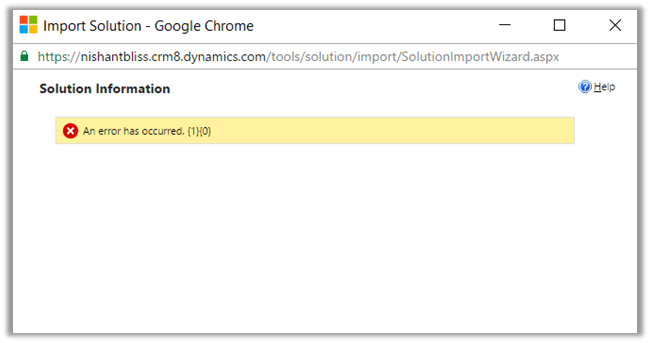
An error has occurred. {1} {0} while Importing Solutoin in CRM 2016 Online.


Hi,

I was getting below error while importing solutoin in my trial CRM 2016 Online Org. I tried with other browser and it was the same case. Infact I created a new trial and tried there but no success.

Without losing hope, tried the same in one of my VM (Windows Server 2012 Standard). It got successfully imported.

So went back to my workstation and cleared browser cache there.

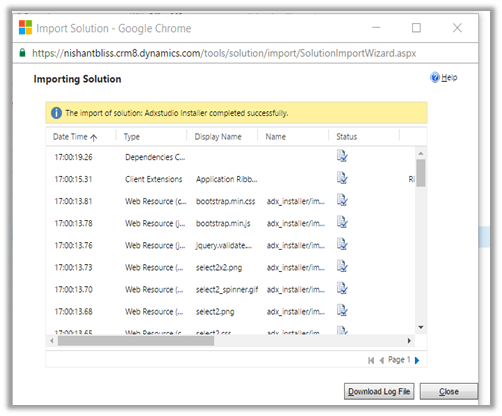
And the Import was Successful.

Hope it helps..

Configure Office 365 Groups in CRM 2016 Online Update 1


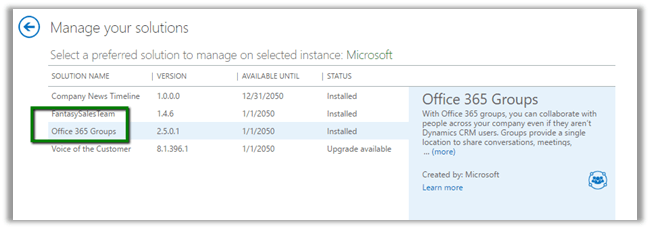
Go to CRM Admin Center à Solutions à Install the Office 365 Groups Solution

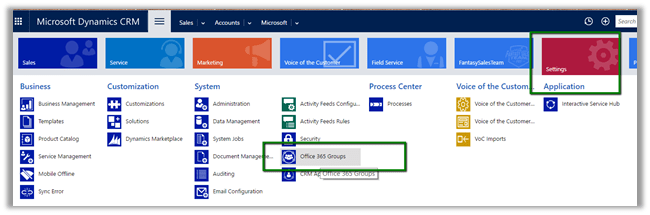
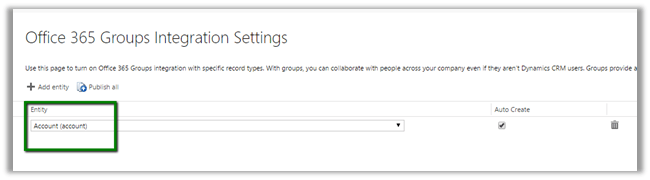
Once installed, go to Settings – Office 365 Groups to configure Entities.

We have enabled it for Account (select entity and Publish All)

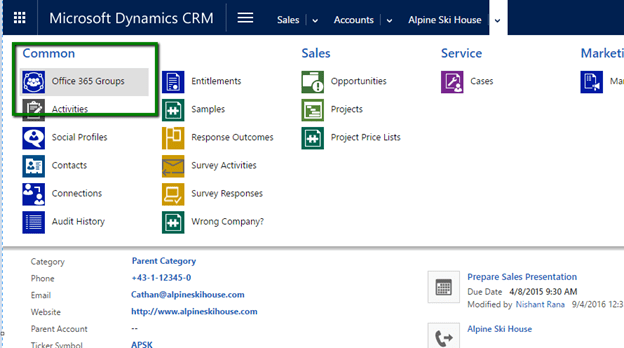
Open the Account Record and navigate to Office 365 Groups.

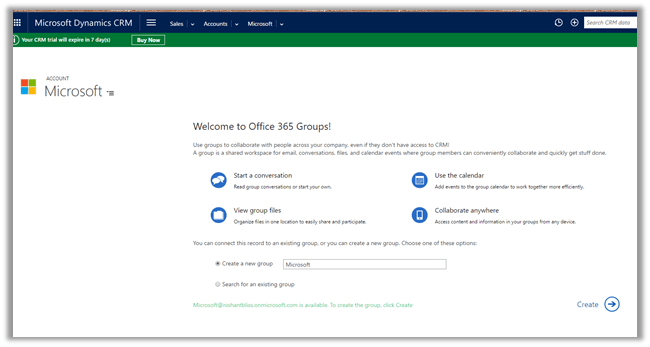
It will auto create a Group or we can specify an existing one.

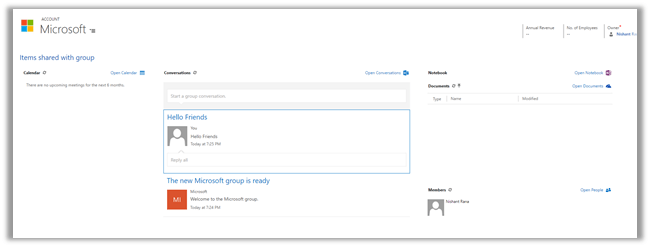
Once configured we can see the Calendar, Conversation, Notebook etc.

Hope it helps..

Configuring Company News Timeline in CRM 2016 Update 1


It is new feature introduced in CRM 2016 Update 1 for CRM Phone and Tablets that delivers news from Bing about the customers and categorize them.

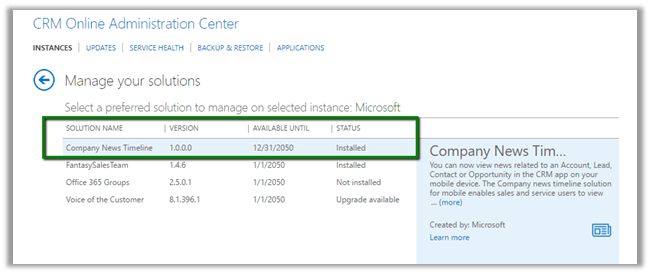
Go to CRM Admin Center à Solutions to install the solution.

Once installed, open your mobile or tablet CRM App and open any of the existing Lead, Contact, Account or Opportunity record.

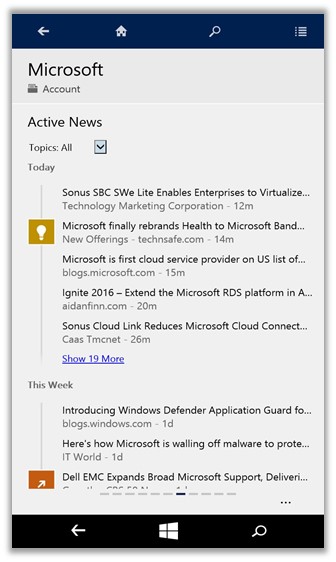
We could see all the news in Activity News.

In CRM App for Windows Phone à

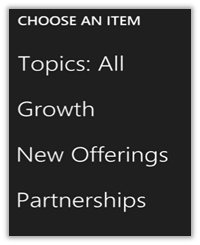
Different categories available

https://www.microsoft.com/en-US/dynamics/crm-customer-center/get-the-company-news-timeline-for-crm-for-phones-and-tablets.aspx

Hope it helps.

Quick Walkthrough – New Form Type – Main Interactive experience and Card in CRM 2016.


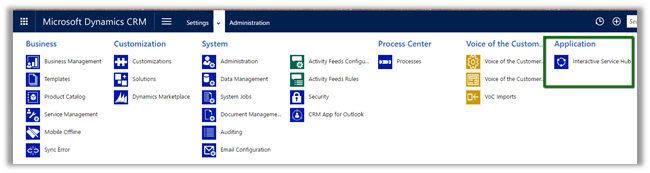
These are the new form types introduced in CRM 2016 as a part of new Interactive Service Hub.

While creating a custom entity we need to check “Enable for Interactive experience” and select “Service” as ‘Area that display this entity’ to make this entity available in Interactive Service Hub.

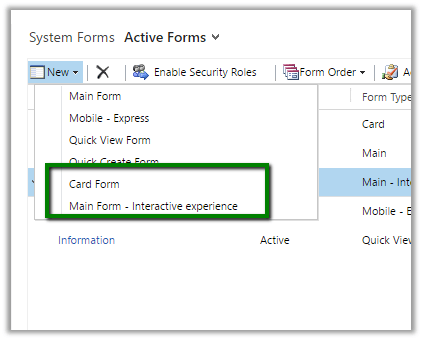
“Enable for interactive experience” option will auto create 2 new forms of type Card and Main – interactive experience.

Let us use these forms as it is without any change.

Publish the customizations and open the Interactive Service Hub

It will download the changes first.

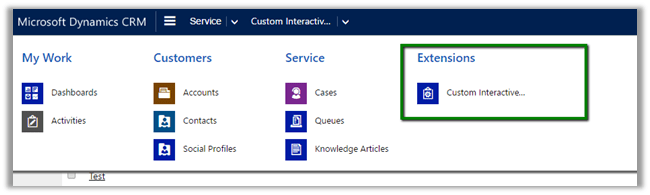
Our Custom Entity in Site Map under Extensions area

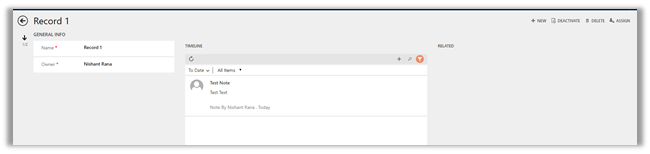
Main Interactive Experience Form

For Card,

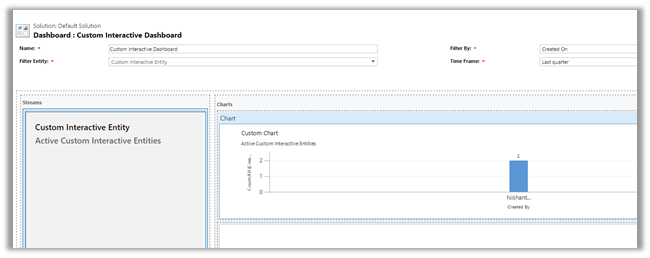
we need to create a custom interactive dashboard and add the stream (view) in it. (add a chart as well)

Publish the changes.

Our custom dashboard for our custom entity with Card form on left and the chart on right.

Hope it helps.

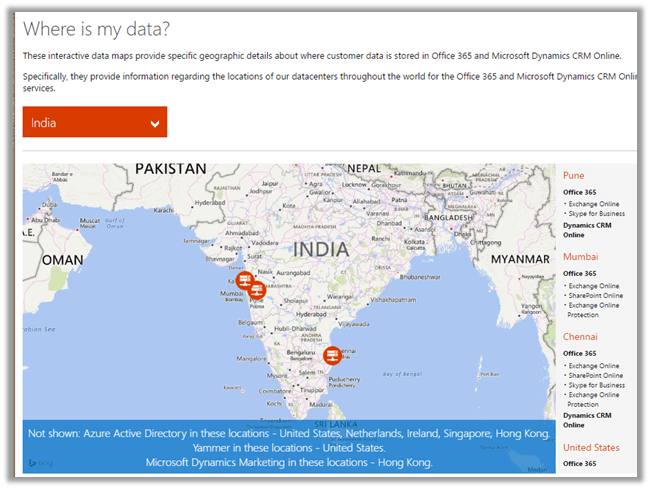
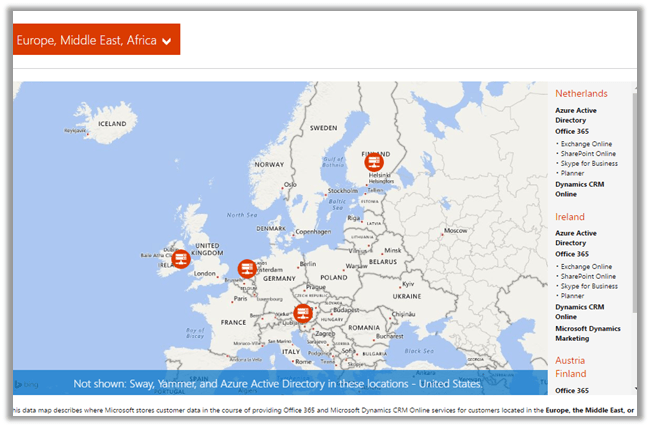
Map for Microsoft’s Global Data Centers


Hi,

Check this site that lists different Microsoft Global Data Center worldwide.

http://o365datacentermap.azurewebsites.net/

For India :

For EMEA :

Hope it helps.