ERD Generator for Dynamics CRM 2011/2013


deepeshsomani2013's avatarMSDYNAMICSBLOG BY DEEPESH

ERD Generator for Dynamics CRM 2011/2013 is a Windows Form application that is can be used for Dynamics CRM 2011 or Dynamics CRM 2013.

URL:

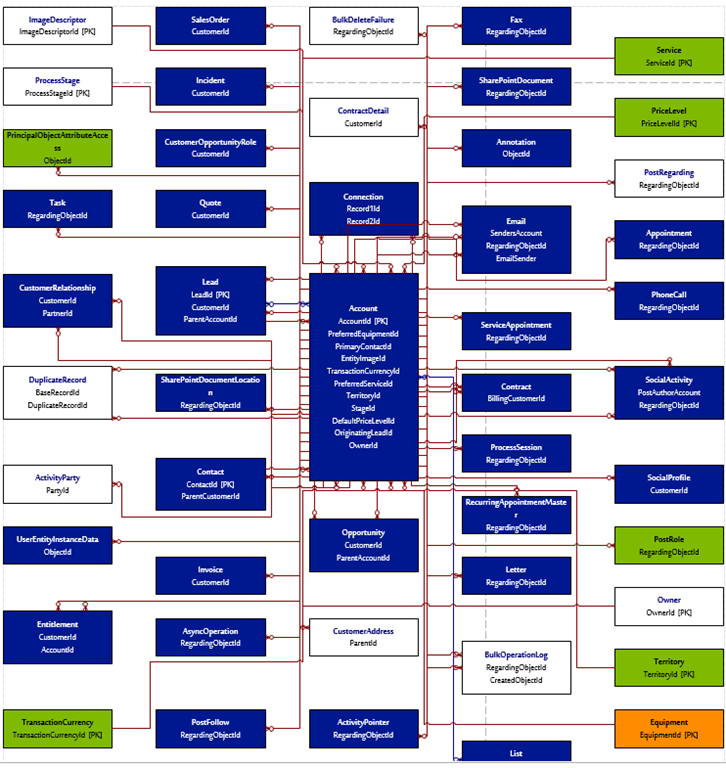
This tool allows you to build ERD (Entity relationship diagrams) that are dynamically updated based on the published CRM entities and Fields. You can pick a source entity and build ERD around it. It generate a VISIO output but also lets you pick CSV to document Entity relationships.

clip_image002

It generates a CSV having details like:

image

It generates ERD in VISIO:

image

Hope it helps!

View original post

Hide Ribbon on SharePoint 2013 using CSS


Mohit Vashishtha's avatarShare SharePoint Points !

Hi Guys,

I recently experienced the migration from SharePoint 2010 to 2013. I was earlier hiding Ribbon using the SPSecurityTrimmedControl and CSS. But in SP 2013 MS has divided whole ribbon in two section: s4-ribbonrow and suiteBar

Hiding the ribbon is as much as easier as it was in 2010 version. But here we just need to take care of above two mentioned sections. I have gone thorough some of the blogs where people are saying that we have change the html file(Seattle.html or oslo.html) and design manger will take care of creating master page for you (ref: Hide Ribbon).

But there is another traditional way of doing same, follow the given steps:

1) Open the master page file in the SharePoint designer.

2) Add the style tag to hide the ribbon for all the user:

#s4-ribbonrow, #suiteBar { display : none; }

3) Now we have to do…

View original post 59 more words

Field Level Security in CRM 2015


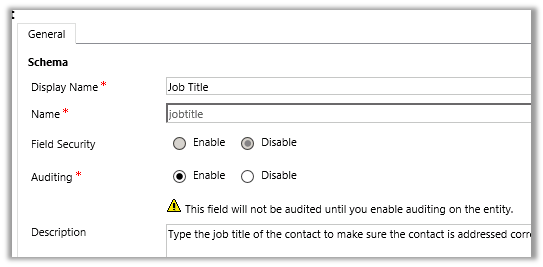
Now supported for System (OOB) Attributes.

Contact’s “Job Title” attribute in CRM 2011


Contact’s “Job Title” attribute in CRM 2015

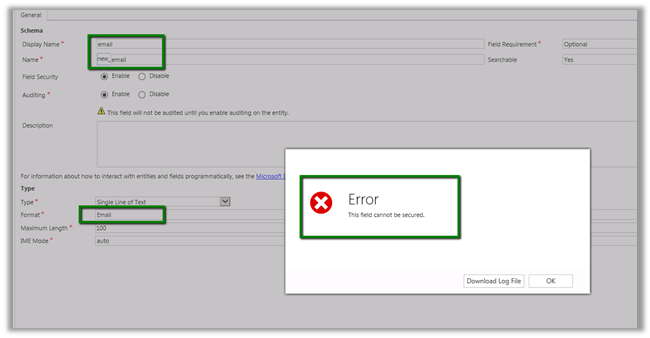
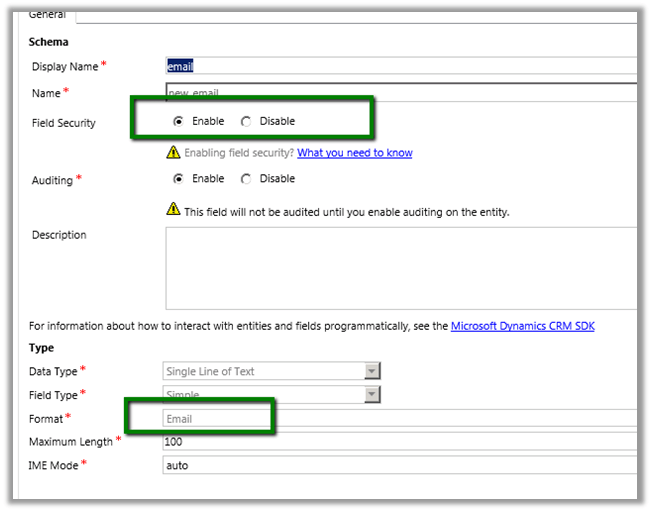
Can be enabled for email data type attribute

In CRM 2011

In CRM 2015


Address field are also supported.

https://www.youtube.com/watch?v=Czc9sKvWd9k

{Learning} All you might need to know on CRM 2013 App for Tablets


deepeshsomani2013's avatarMSDYNAMICSBLOG BY DEEPESH

I spent last week or so discovering things on CRM 2013 tablet application and to be honest, it is pretty good. There are limitations but it is a good start for Dynamics CRM in tab and mobile market with having an out of box app.

Here are the series of blogs which pretty much sum all I could find on CRM 2013 Tablet application configuration, what can be done what cannot be done etc. For installation it is available in Google store for Android tabs, Windows store for Windows tabs and Apple store for IPAD tabs.

· Want to know how to configure multi entity search for CRM 2013 App. Here you go: Click here

· Want to know how to reconfigure IPAD app and options: Reconfigure vs Sign out for CRM 2013 App. Here you go: Click here

· Want to know Security Privileges required to access CRM 2013…

View original post 50 more words

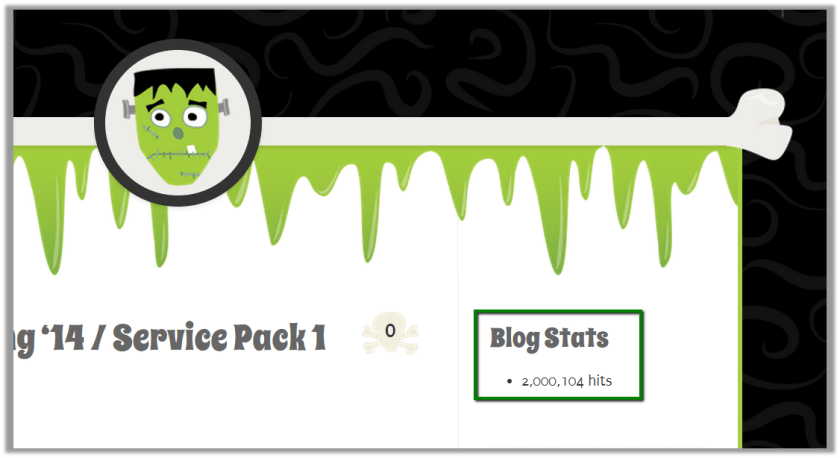
Got 2 million views (hits) on my blog


Happy to reach this milestone today – (24 September 2014)


New in CRM Online Spring ‘14 / Service Pack 1 / Leo: SLAs