

By default, we can only specify the contact associated with the customer for the case record. If we try specifying a contact record that is not associated with the Customer selected, we will get the below error message.
Invalid Contact – The specified contact doesn’t belong to the account selected as the customer. Specify a contact that belongs to the selected account, and then try again.


Also, CRM will filter the lookup to show only the associated contact record
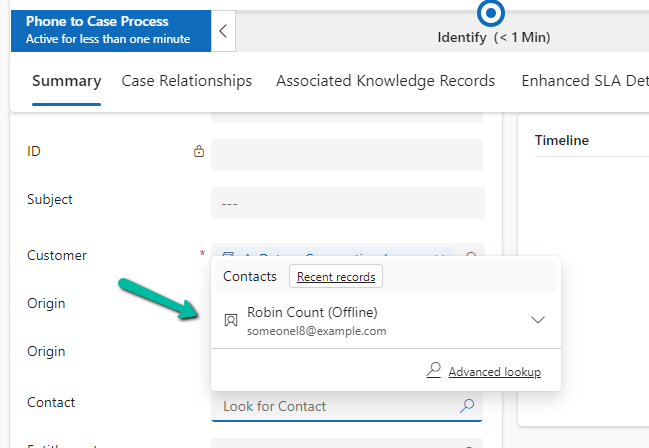
However, if we do not want this validation, we can remove it using the environment variable.
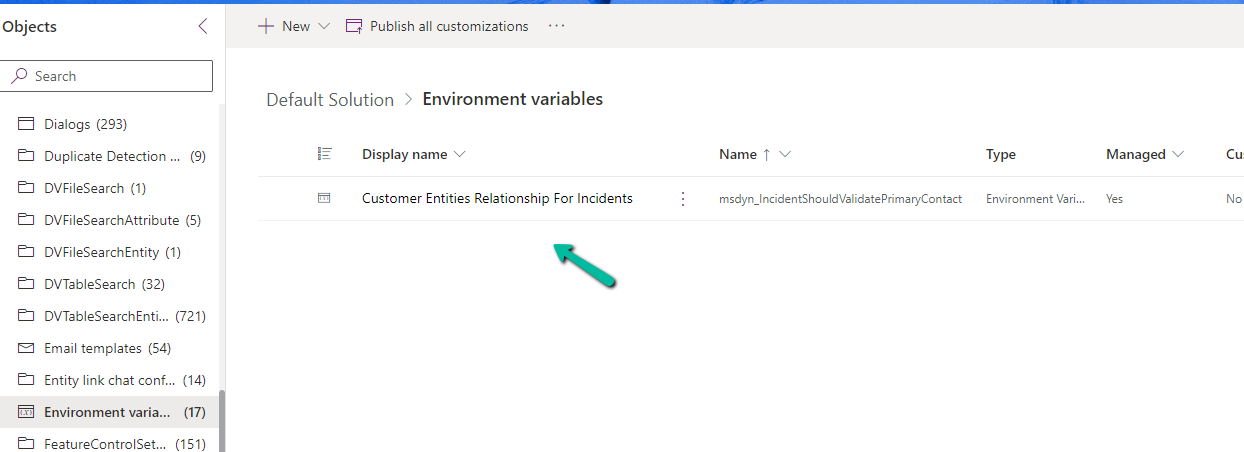
Search for Customer Entities Relationship For Incidents / msdyn_IncidentShouldValidatePrimaryContact
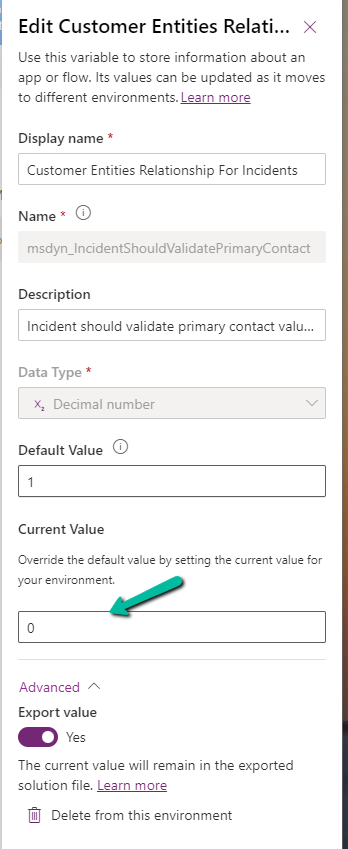
Set the new value as 0.
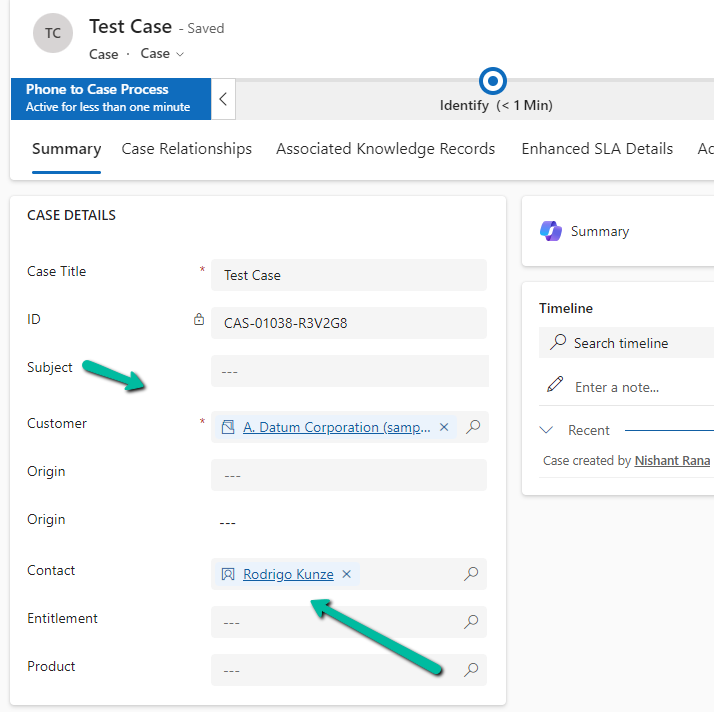
Now we will be able to save the record using an unassociated contact.
Get all the details here
Hope it helps..
Discover more from Nishant Rana's Weblog
Subscribe to get the latest posts sent to your email.
Share It -


 Nishant Rana's Weblog
One thought on “How to remove contact and customer validation on Cases– Dynamics 365”