

From the Power Platform Admin Center for a particular Environment, through Settings >> Product >> Behaviour >> Show legacy app for admins option, we can control visibility of the Legacy App (Dynamics 365 – Custom) for admins.
If Show legacy app for admins = On –

An admin can see the app
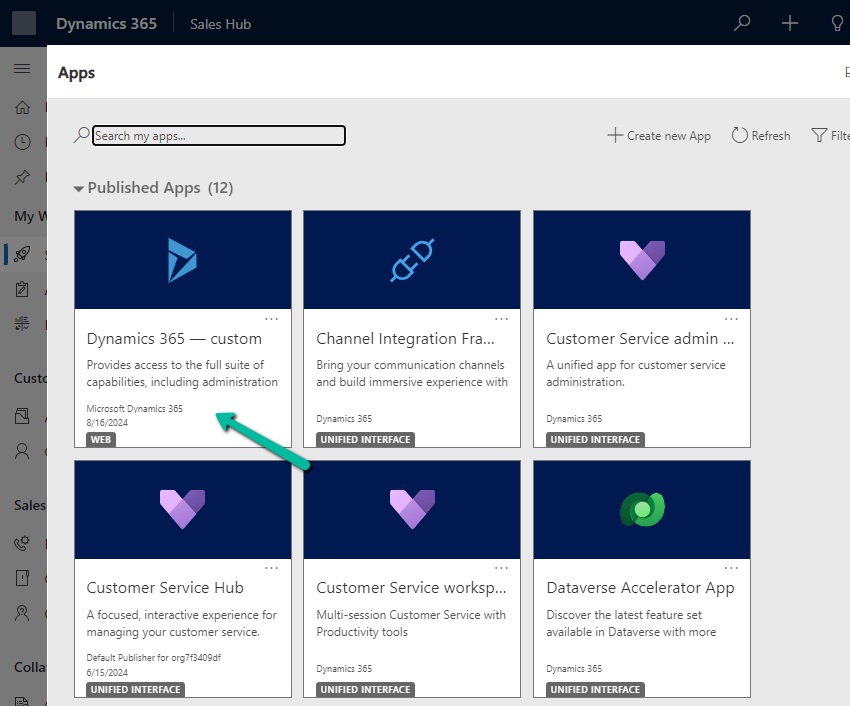
By setting it to Off

We can see the app hidden for the admins also.

The aim is that all the users including admin must use only the modern, model-driven apps.
Get more details
Hope it helps..
Advertisements
Discover more from Nishant Rana's Weblog
Subscribe to get the latest posts sent to your email.
Share It -


 Nishant Rana's Weblog
One thought on “Hide / Show Legacy App (Dynamics 365 – Custom) from Everyone and / or Admin – Model-Driven App / Dynamics 365”