

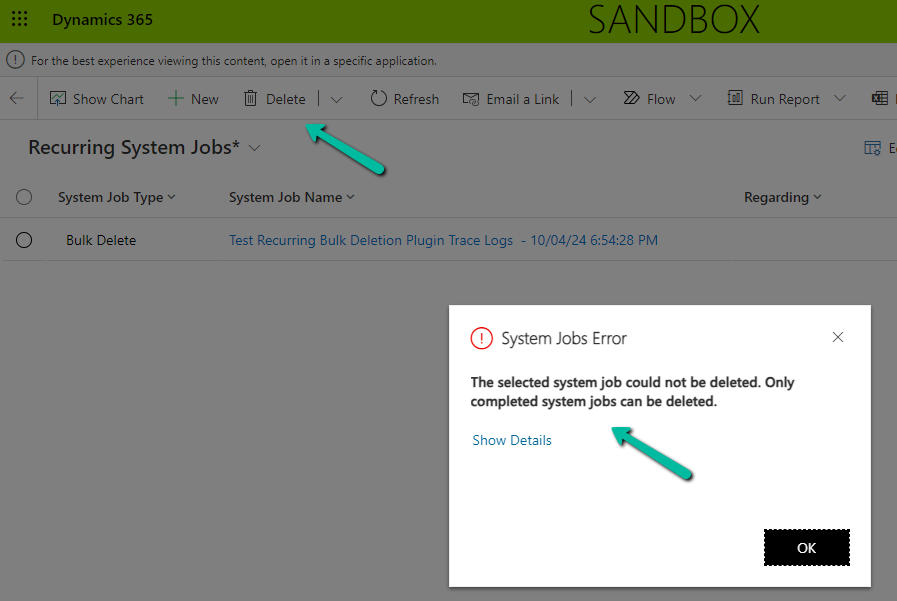
While trying to delete a Recurring Bulk Deletion Job we would get the below error.
“The selected system job could not be deleted. Only completed system jobs can be deleted”
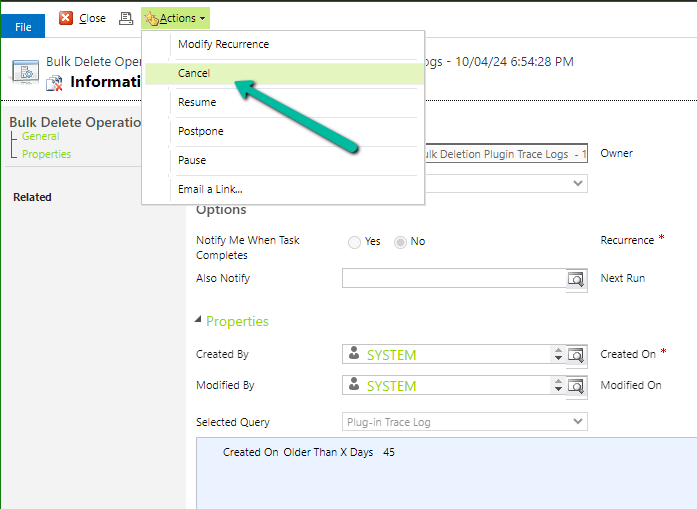
The way we can delete them is first to Cancel them.

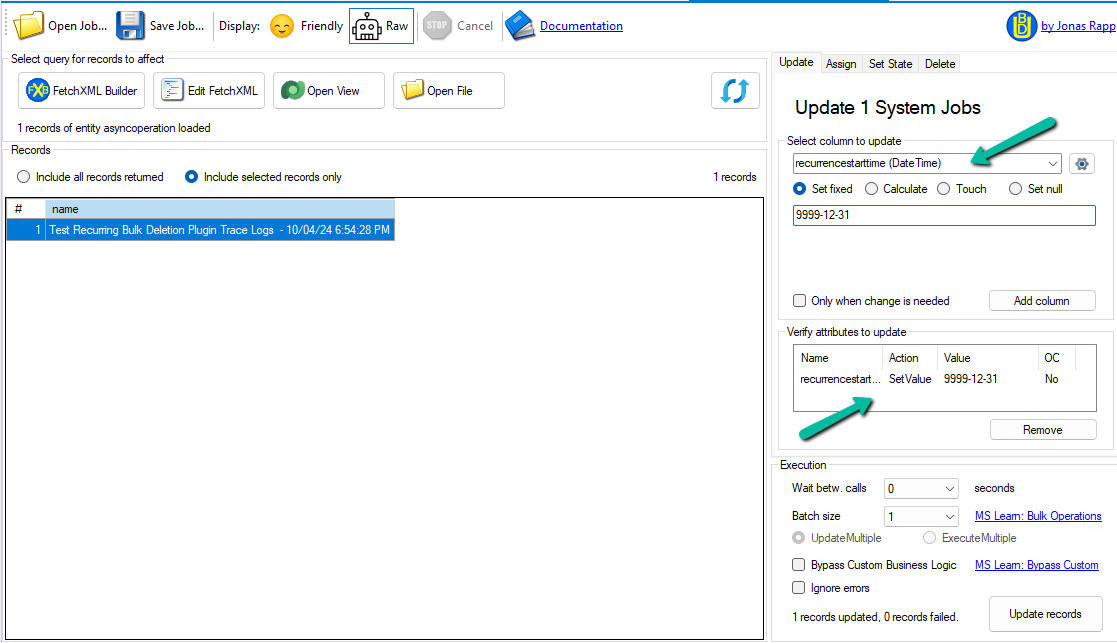
Next is to update the recurrencestarttime column value to 9999-12-31 for it.
We can use our wonderful XrmToolBox Plugin – Bulk Data Updater for it.
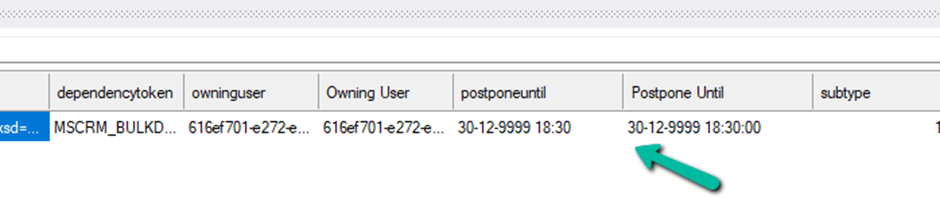
This updates the Postponse Until value in the background.
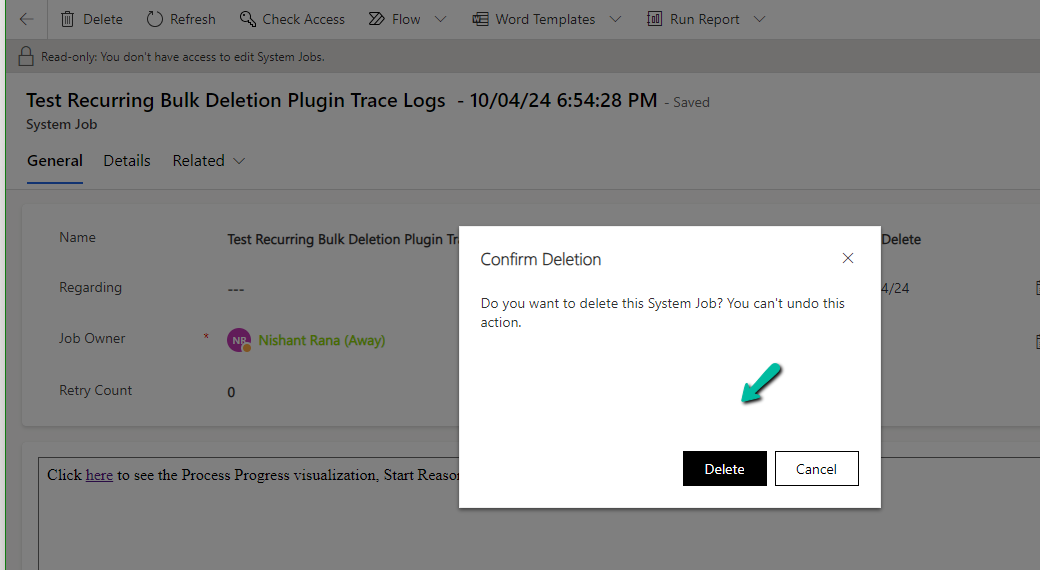
Now if we try deleting it, we will be able to delete it successfully.
Check for more details – https://community.dynamics.com/forums/thread/details/?threadid=b5bb6278-971c-440c-be08-d669df8c5787
Hope it helps..
Advertisements
Discover more from Nishant Rana's Weblog
Subscribe to get the latest posts sent to your email.
Share It -


 Nishant Rana's Weblog
One thought on “The selected system job could not be deleted. Only completed system jobs can be deleted – Delete Recurring Bulk Deletion Jobs (Dynamics 365 / Dataverse)”