

We might get the below error while trying to install the profiler in the Plugin Registration Tool.
“Unable to Install the profiler”

“Unhandled Exception: System.InvalidCastException: Unable to cast object of type ‘Microsoft.Xrm.Sdk.Entity’ to type ‘CrmSdk.PluginType’. at Microsoft.Crm.Tools.Libraries.OrganizationHelper.InstallProfiler(CrmOrganization org, String prtPath) at Microsoft.Crm.Tools.PluginRegistration.OrganizationControlViewModel.<>c__DisplayClass302_0.<InstallProfiler_Clicked>b__2(Object o, DoWorkEventArgs e)”
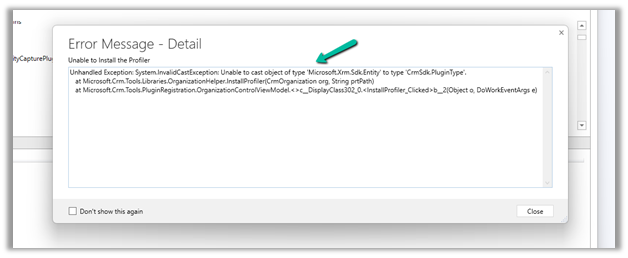
On closing the window we will get the below message “Profiler install failed”
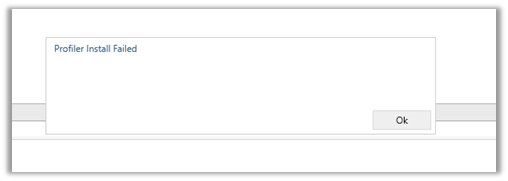
Well we can ignore this error, just click on Refresh
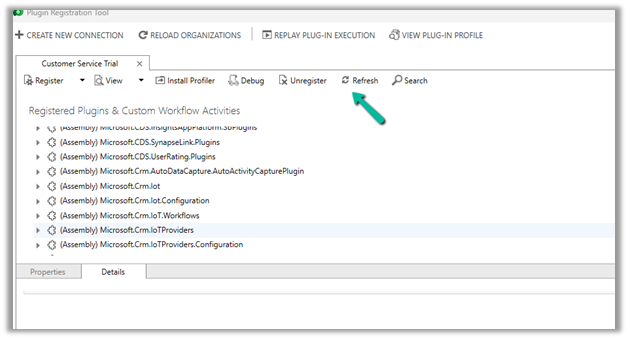
After the refresh is completed,

we can see that the profiler has got installed successfully, even though we got the error.

Hope it helps..
Discover more from Nishant Rana's Weblog
Subscribe to get the latest posts sent to your email.
Share It -


 Nishant Rana's Weblog
THANK YOU!!!!
LikeLike
Thanks for this.
LikeLike