
These are the new form types introduced in CRM 2016 as a part of new Interactive Service Hub.
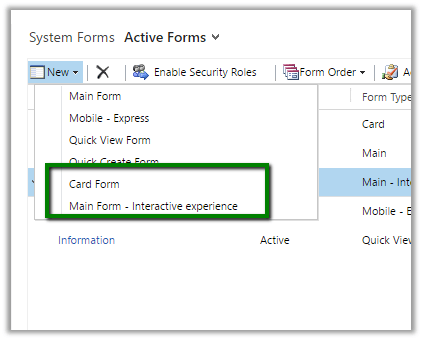
While creating a custom entity we need to check “Enable for Interactive experience” and select “Service” as ‘Area that display this entity’ to make this entity available in Interactive Service Hub.

“Enable for interactive experience” option will auto create 2 new forms of type Card and Main – interactive experience.

Let us use these forms as it is without any change.
Publish the customizations and open the Interactive Service Hub
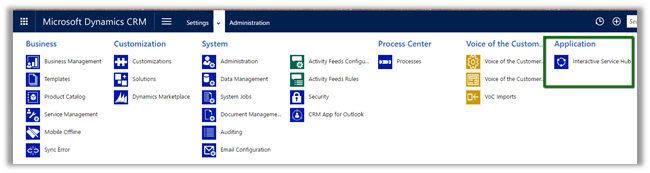
It will download the changes first.

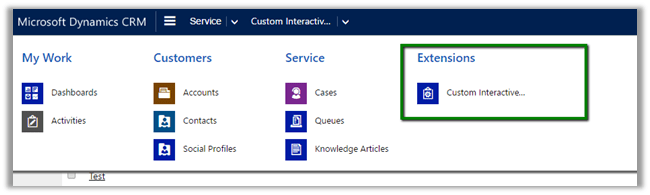
Our Custom Entity in Site Map under Extensions area

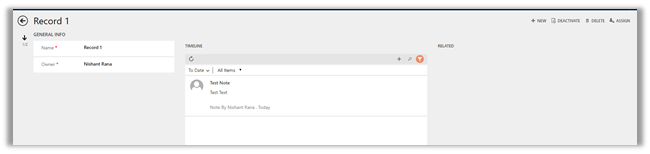
Main Interactive Experience Form
For Card,
we need to create a custom interactive dashboard and add the stream (view) in it. (add a chart as well)
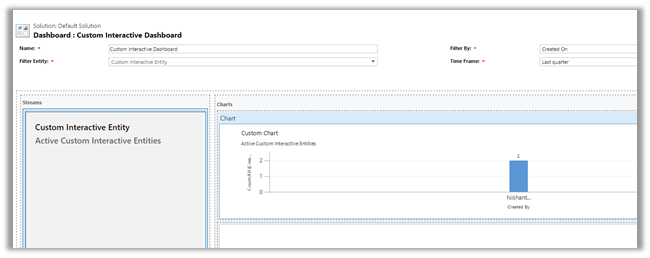
Publish the changes.
Our custom dashboard for our custom entity with Card form on left and the chart on right.

Hope it helps.
Discover more from Nishant Rana's Weblog
Subscribe to get the latest posts sent to your email.
Share It -


 Nishant Rana's Weblog