
The number of tabs has increased from 7 to 10 in CRM 2011 from CRM 4.Preview post


The new tabs added are
Calendar, Auditing and Goals.
Now let’s first start with the General Tab and options therein.
GENERAL TAB:-
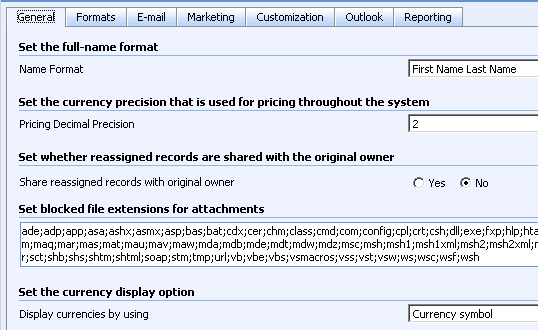
There are two more options added in CRM 2011 in General tab are

The Get Started Pane in CRM 2011.
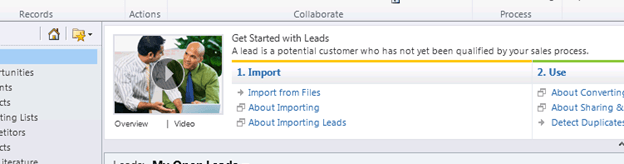
IM Presence can be set from General system settings.
CALENDAR:-

If we try saving an appointment record with duration more than 10 days we get the warning that “duration of the appointment is invalid”
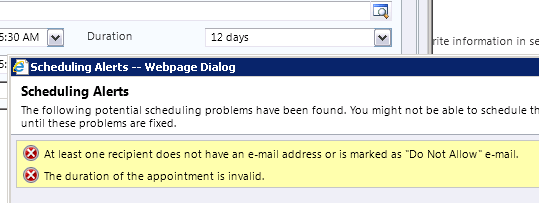
There was no such option in CRM 4.0.
FORMAT:-
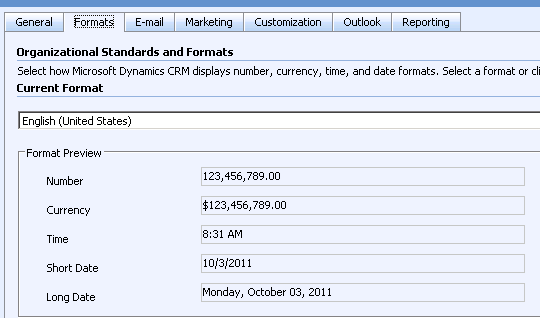
No change here.
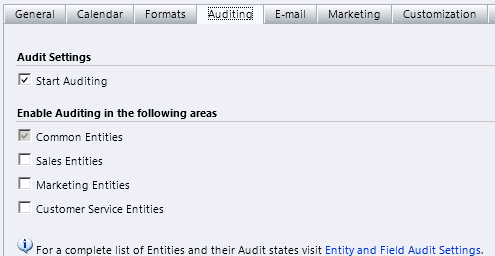
AUDITING:-
From here we can enable auditing for the system. This feature was not there in CRM 4.0.
E-MAIL:-
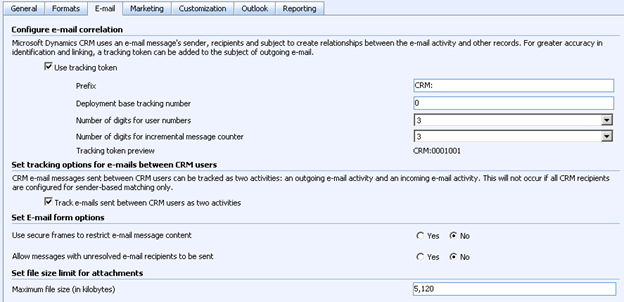
CRM 4:-
CRM 2011:-

The new feature is setting option for Use Smart Matching. It is very nicely explained here
http://mscrmspot.blogspot.com/2011/05/crm-e-mail-setting-deep-dive.html
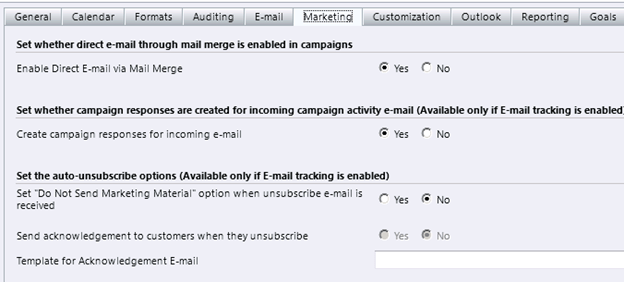
MARKETING:-
No changes in CRM 2011.
CUSTOMIZATION:-
In CRM 4
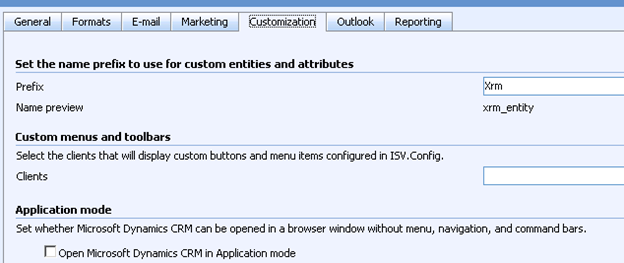
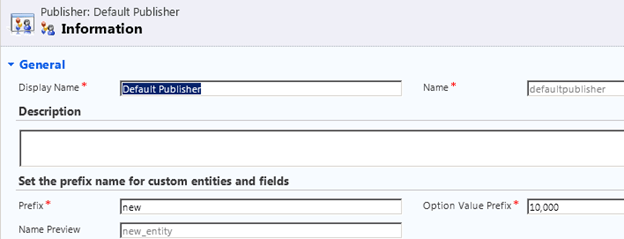
We could set the Prefix here in CRM 4, now this option has moved to Solutions where we can define prefix for Publisher of the solution.
Custom menus and toolbars: – This can be governed through RibbonDiffXml for entities and Application Ribbon for the application.
In CRM 2011, the only option is of Application mode.

OUTLOOK:-
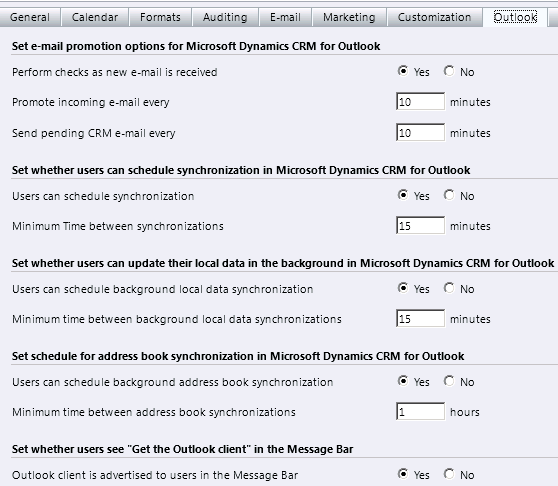
Things are same for CRM 4 and CRM 2011, the only new option in CRM 2011 is whether user sees get the outlook client message in the Message bar or not.

REPORTING:-
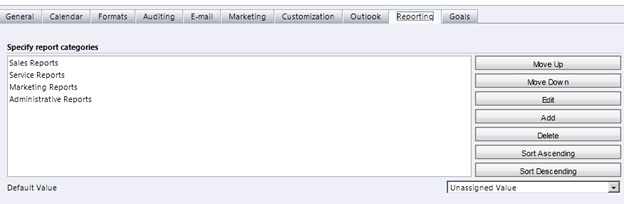
No changes in Reporting tab
GOALS:-
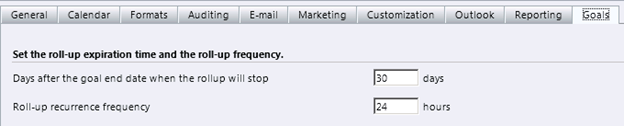
Goals is a new feature in CRM 2011.
Check this wonderful post on system settings:-
http://www.avanadeblog.com/xrm/2010/12/crm-2011-feature-of-the-week-system-systems-whats-new.html
Hope it helps.
Discover more from Nishant Rana's Weblog
Subscribe to get the latest posts sent to your email.
Share It -


 Nishant Rana's Weblog
One thought on “Changes in System Setting in CRM 2011.”