Let us take an example,
Suppose we have created a new organization and we want to enable auditing on “Topic” field of Lead what do we need to do here?
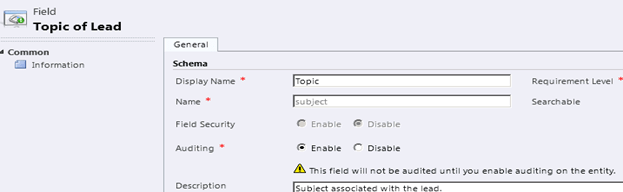
First to enable auditing let us open the field for customization.
There we can see that it is already enabled for auditing. However below we have warning icon that tells us that “This field will not be audited until you enable audition on the entity”.
That means we need to first enable it for our lead entity. So let us open our lead entity for customization.
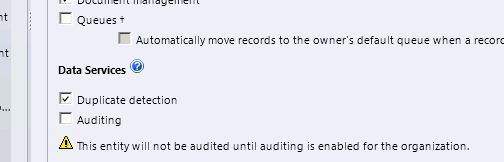
For the entity it is not enabled by default, we need to check the Auditing checkbox to enable it. However there we again see a message below that asks us to enable auditing for the organization first.
On checking the Auditing checkbox,

we get a note over there that tells us that by default auditing will get enabled for all the fields.
But we want auditing for only the topic field, and obviously we are not going to open each field and disable auditing there. So what can we do here?
Here we can select all the fields from our customization area and click on edit button to open the dialog box that will allow us to bulk edit the customization information for them.
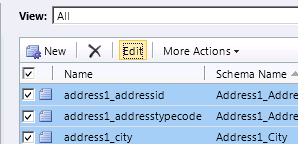
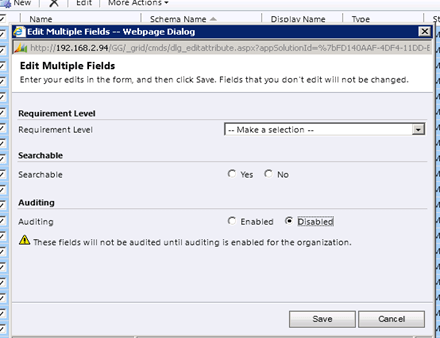
So let us first disable it for all fields and then select those fields for which we want to enable it. Remember to click on Next to select all the fields on each page and disable them.
While doing so we might get this error
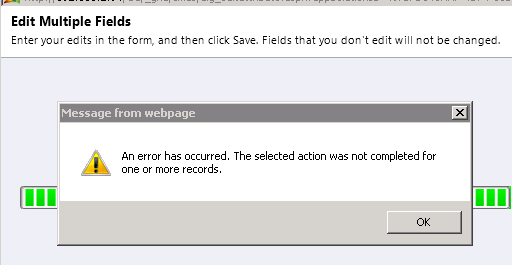
What it means is that Auditing cannot be set for some fields. (Not Applicable)

Following are the fields in lead entity to which audit is not applicable
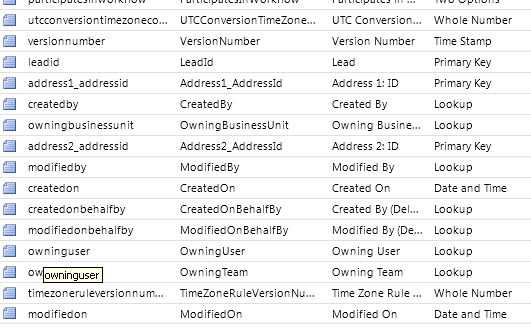
Mostly it would be GUID fields, fields internally used by CRM, CreatedOn, ModifiedOn etc.
Now let us go back and enable Auditing system wide,
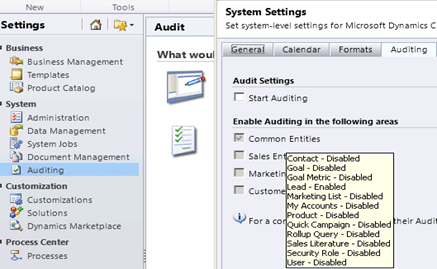
Check Start Auditing and Click Ok button to close the dialog.
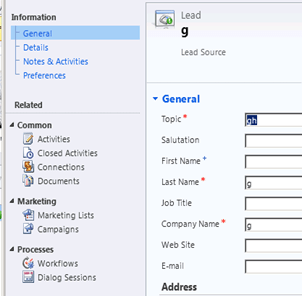
Now let us change the topic field in our lead record and check its audit history. (From the left navigation pane of the record’s form)

Apart from change in the name of the topic we can see one more record in our Audit History that shows when the Audit was enabled for the Entity.
Right now we saw record level auditing, we can also see the system wide auditing. For this we need to go to “Audit Summary View”


Opening the record will give us more detail

Now I log in with another user having Sales Person role,
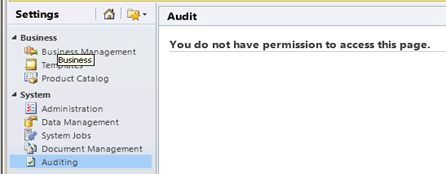
I don’t see Audit History link on left navigation pane.
And from settings, I get the message the I don’t have enough permissions.
So here we have four permissions related to auditing.
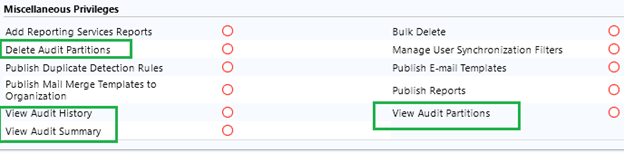
We understand Audit History and Audit Summary, let us check Audit Partitions, for this click on Audit Log Management.
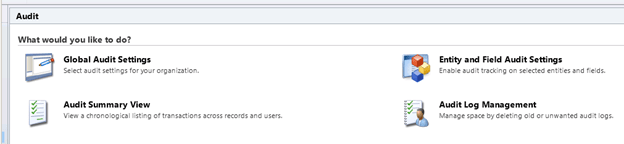
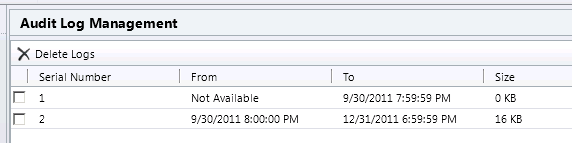
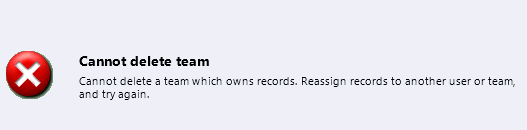
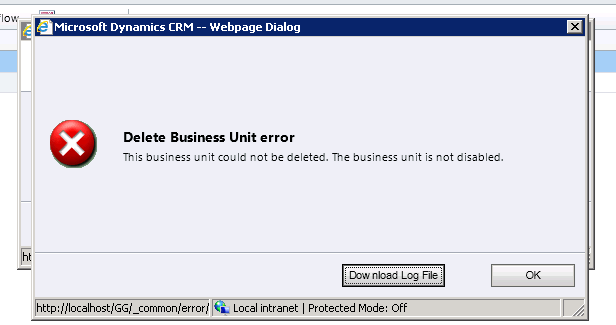
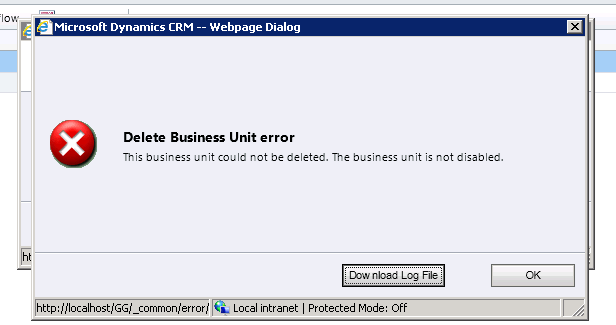
Here each audit log stores audit records for one calendar quarter. If we try to delete log with serial number 2, we get the following message
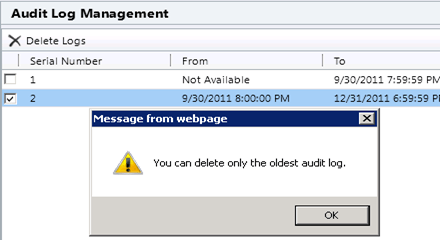
i.e. only the oldest partition can be deleted, the current active partition cannot be deleted.
Now the question is what all things we can audit apart from change in the record’s field?
- Changes to security roles:-
I have enabled auditing on Security Roles entity, and now I go and change the Access Level of Sales Person role on View Audit History privilege. So that should be tracked now…
Now as the Security Role entity doesn’t have a form similar to our other entities, I expect to see the audit for it in “Audit Summary View”. Let us open it.
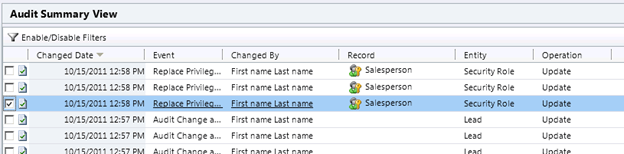
It does have record for our access level change, let us open it
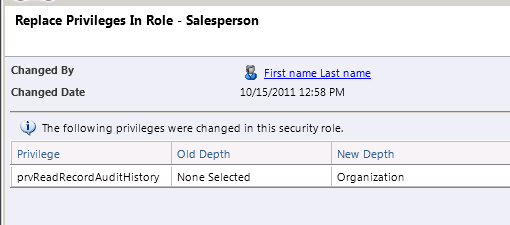
- Changes to Shared Privileges of a record:-
Ok so now I opened a lead record and shared it with the other user, so that should be audited?
.
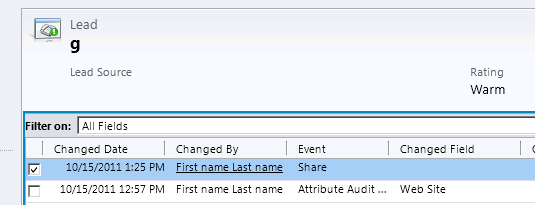
Yes it is there. Let us open it
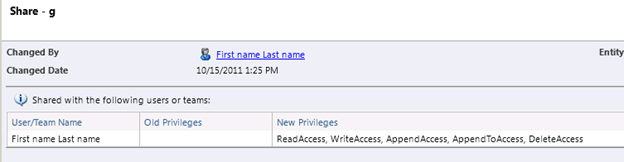
- Audit changes at attribute, entity and organization level: –
Now let us try disabling audit for the entity, and open the audit history
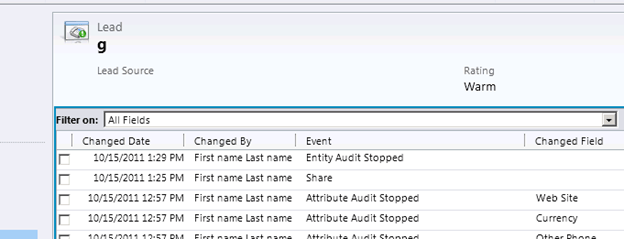
It says that entity/attribute audit has stopped; now let us open the last Share log
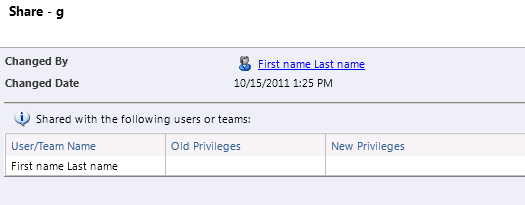
So by disabling the audit we will lose our old information as well.
- Deletion of Audit logs:-
Let us delete audit log from Audit Log Management, and check the audit summary view. It is being logged.

- N: N association or disassociation of the records:-
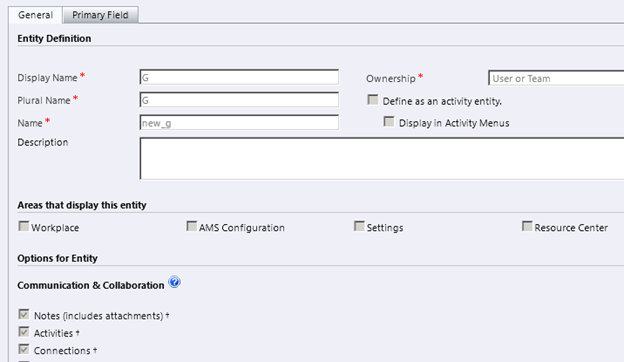
Let us create a new N-N relationship between lead entity and one of our custom entities (name G), and then associate there records. We can see one entry in our Audit History for that event.
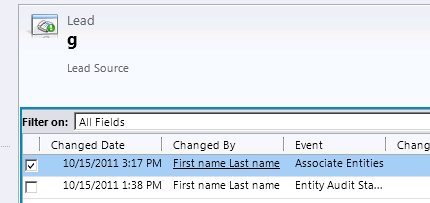
On opening the record we can get the details.
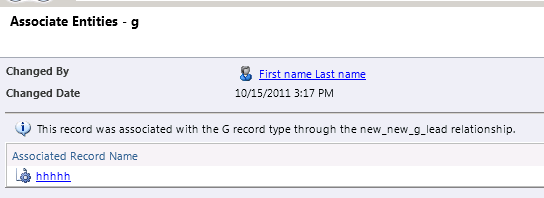
Here as we have not enabled auditing on the G Entity (our custom entity) we won’t see any audit information there in its Audit History link.
Now let us find out what happens in the case of 1-N relationship.
For this delete the existing N-N relationship between lead and custom entity, and create a new N-1 relationship between lead and the custom entity g. so that our custom entity appears as a lookup in lead entity.
Now let us open any of the lead record and set value for our lookup there.
On doing so we can see a new event update being added to our audit history.
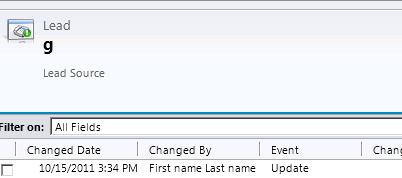
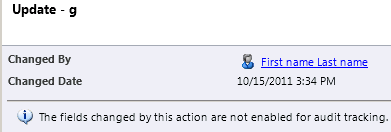
However we can’t see old value new value there as we have not enabled that field for auditing. So let us open that field from customization area and enable auditing for it and change the lookup value in the lead entity.
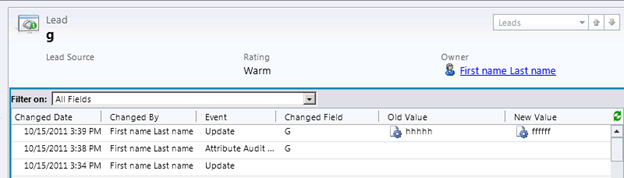
Now if we update the lookup we can see the old value and new value both.
Hope it helps.