

If you are getting the below error even after running the Install-Module PnP.PowerShell command, it could be because of the older version of PowerShell.

The minimum PowerShell version required for PnP.PowerShell is PowerShell 7.2.
Check the current version using the command – $PSVersionTable

Below are different ways to get the latest version of PowerShell
Here we have used the Winget (Windows Package Manager) tool to install it.
winget search Microsoft.PowerShell
winget install –id Microsoft.Powershell –source winget

We can see the PowerShell 7 installed.

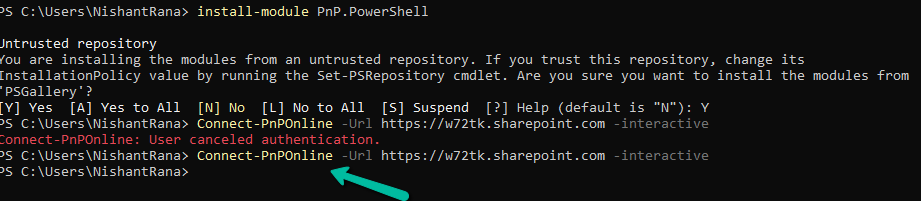
Now we can install the PnP.PowerShell module and connect to our site successfully.







1–2 minutes
Hope it helps..
Advertisements
Discover more from Nishant Rana's Weblog
Subscribe to get the latest posts sent to your email.
Share It -


 Nishant Rana's Weblog
One thought on “Fixed – The term ‘Connect-PnPOnline’ is not recognized as the name of a cmdlet, function, script file, or operable program – PowerShell”