

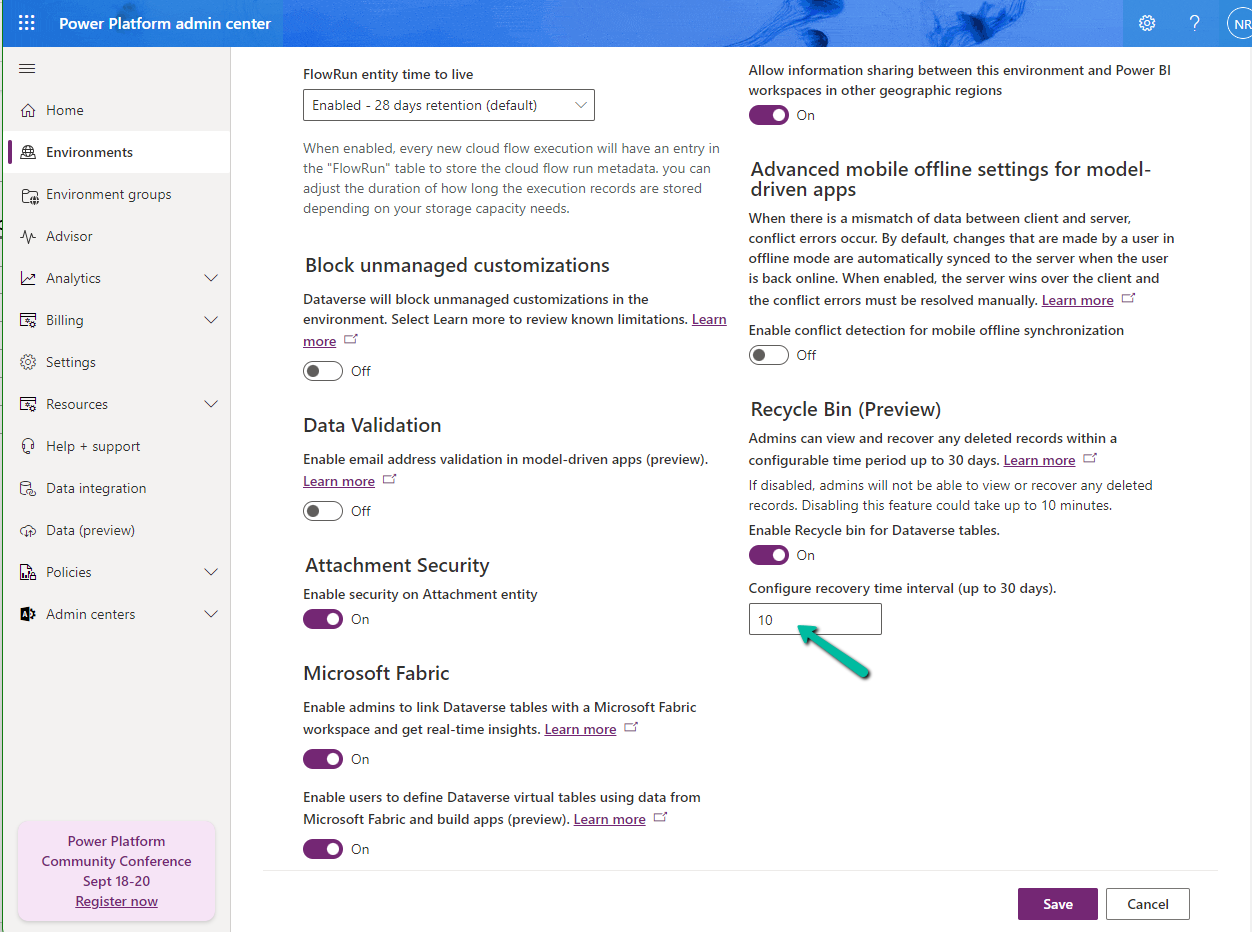
To enable the feature, log in to
Power Platform Admin Center https://admin.powerplatform.microsoft.com/environments
Environment >> Settings >> Features and enable it

We can specify 30 days as the maximum recovery time.
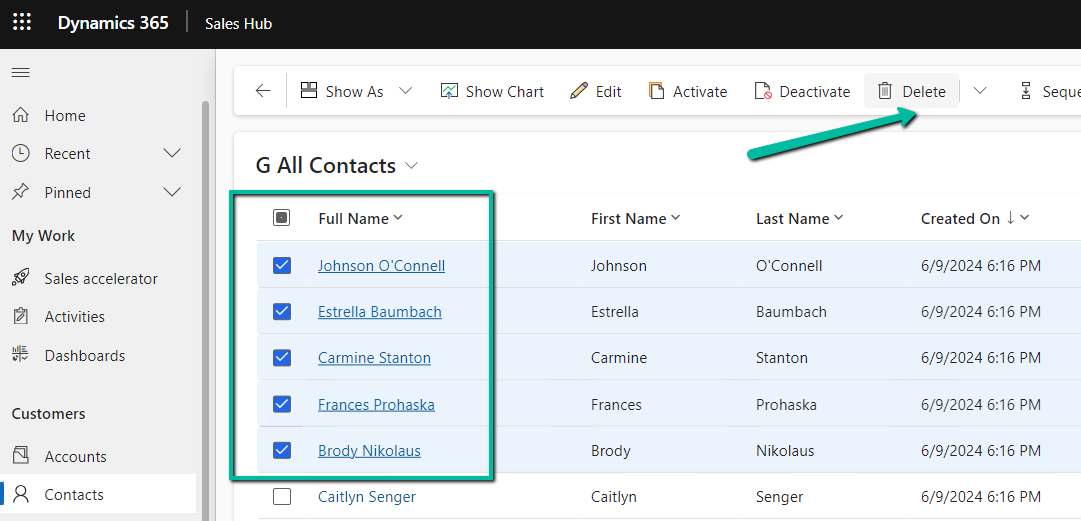
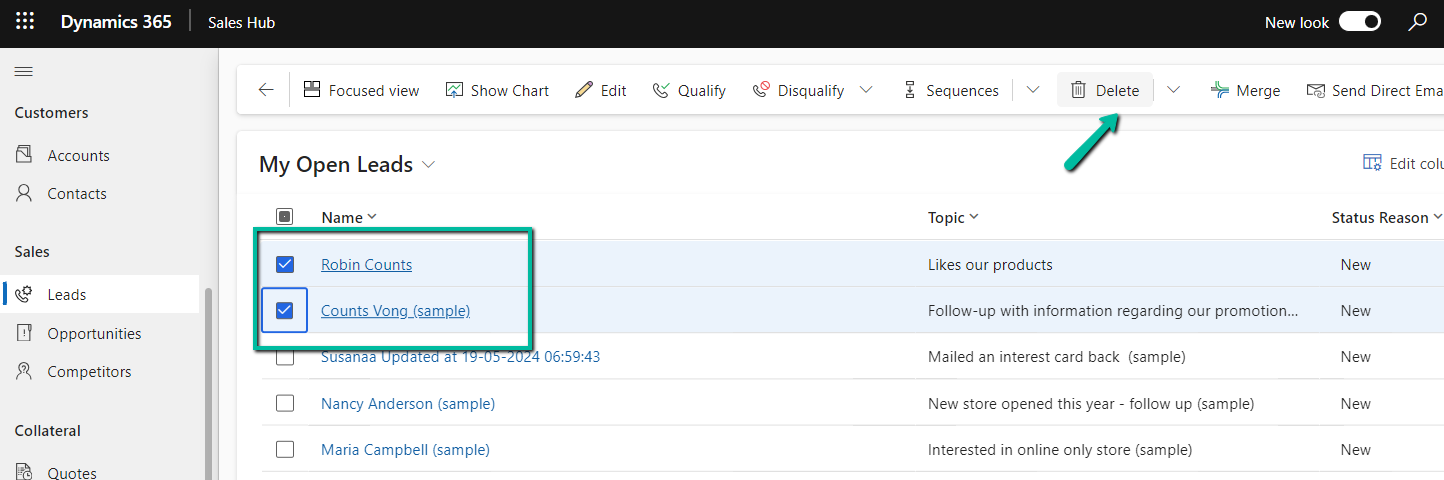
Let us delete some of the contact and lead records.
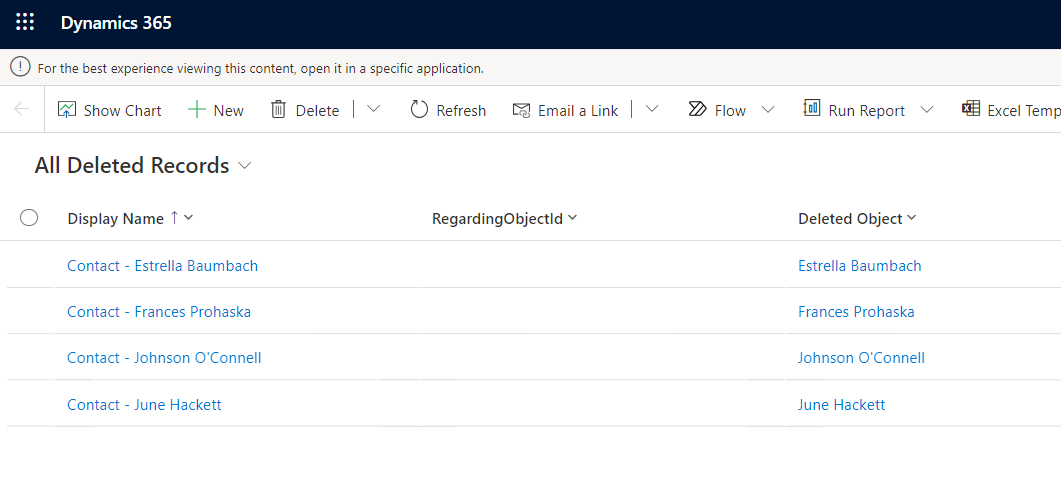
Navigate to Environment >> Settings >> Data Management >> View Deleted Records to view the deleted records.

We can select the records and click on Restore to get the deleted records back

We can see the records removed from the Deleted Records view.
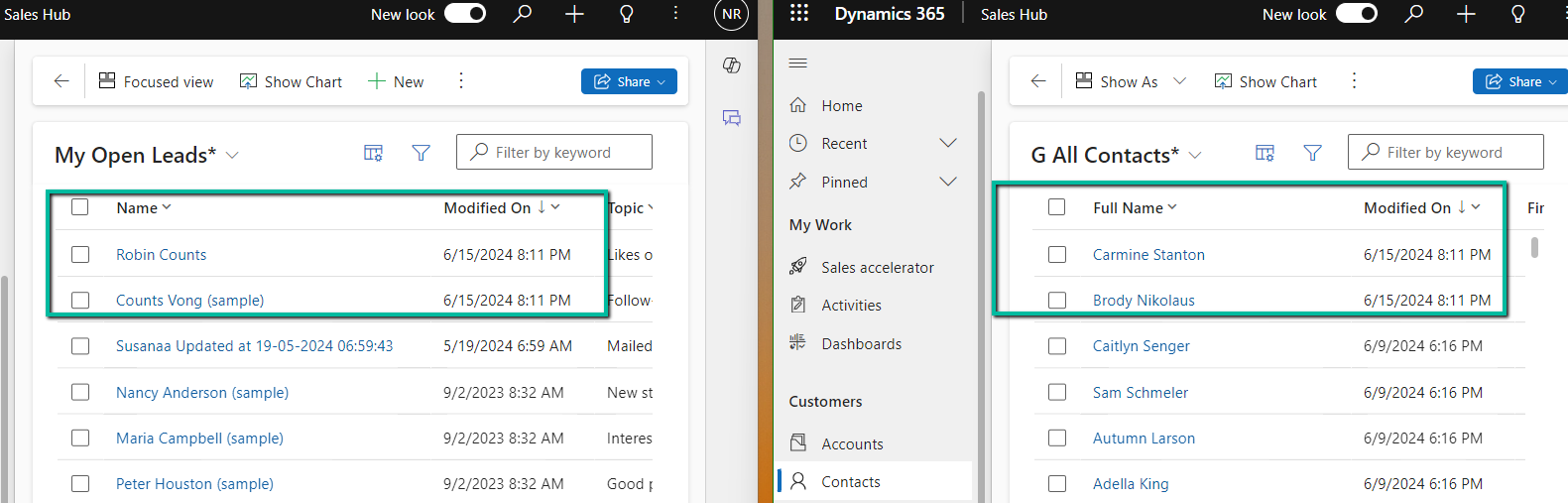
Below we can see the restored records – we can also see the Modified On updated.
The feature applies at the environment level, we cannot specify it for individual tables currently. Only the main deleted record and related records deleted via the cascaded relationship behavior will be restored. If a related record is deleted as part of custom business logic, it will not be restored.
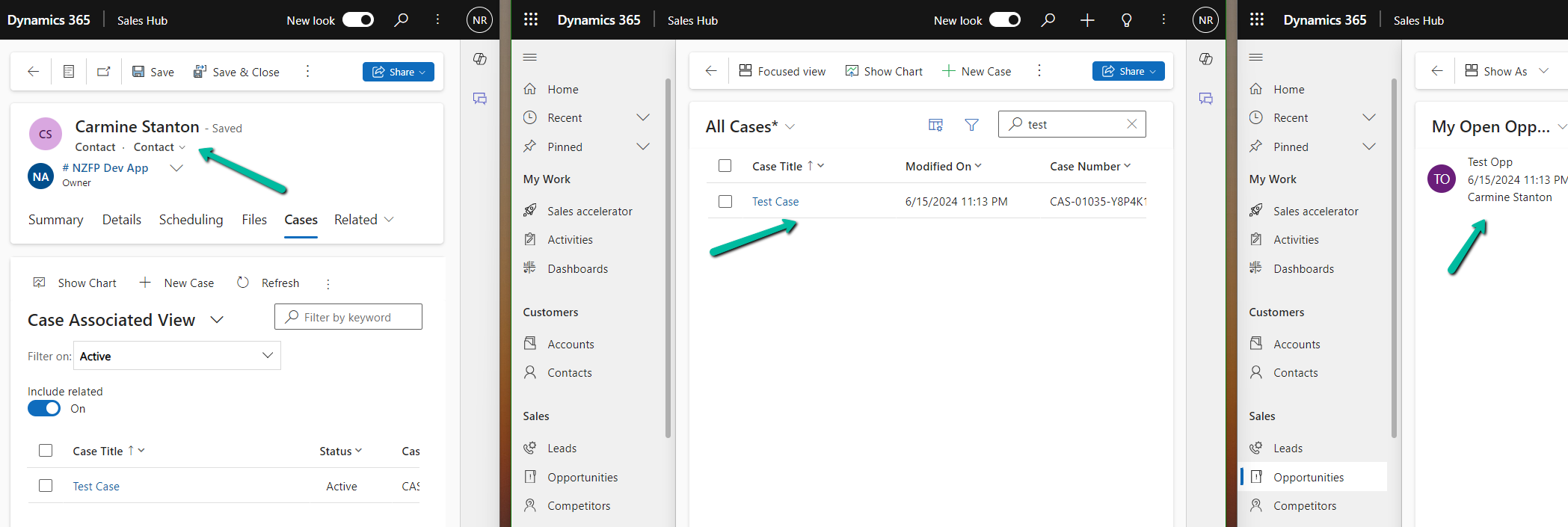
Below let us delete the Contact record which has a case and an opportunity record associated.
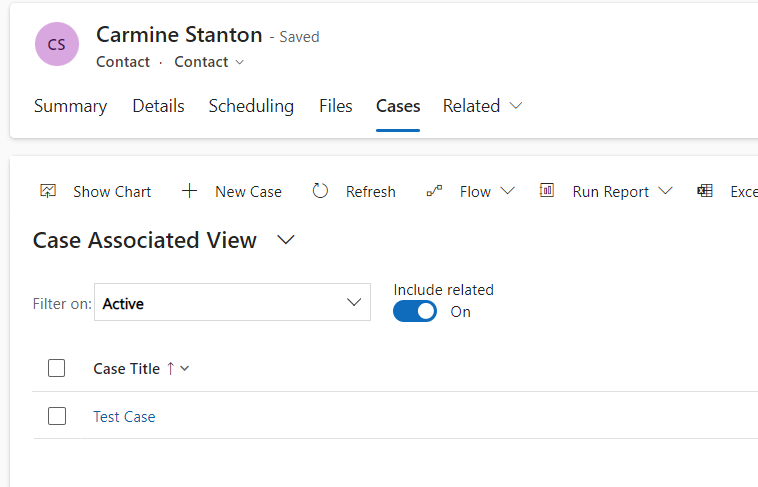
On deleting the Case the child case and lead records also get deleted.
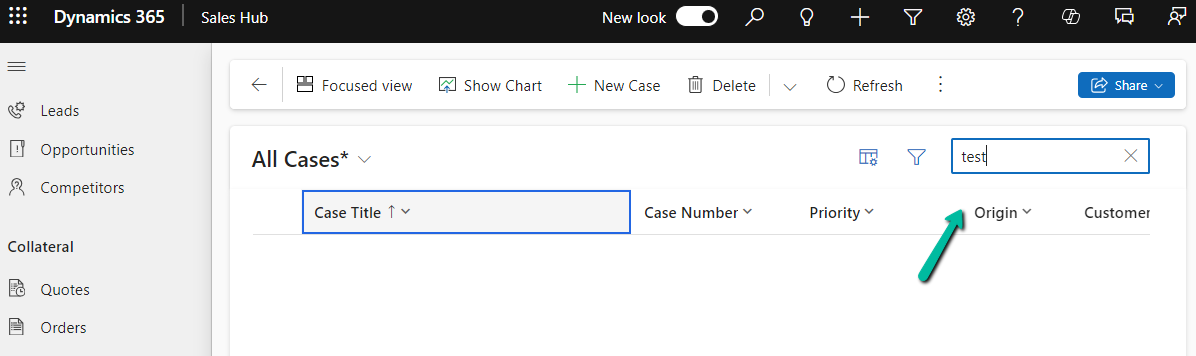
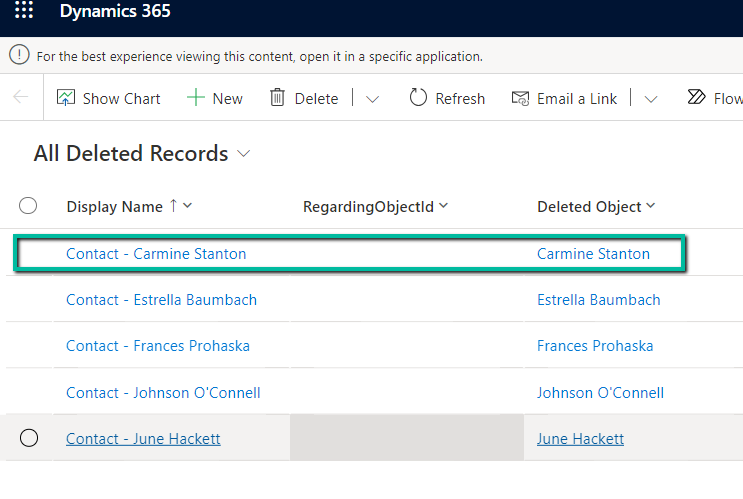
However, we do not see those records in the Deleted records list only the main (parent) Contact record.
More details on – Restore deleted records
Hope it helps..
Discover more from Nishant Rana's Weblog
Subscribe to get the latest posts sent to your email.
Share It -


 Nishant Rana's Weblog
One thought on “Use Recycle Bin to restore deleted records (Preview)– Dataverse / Dynamics 365”