
The new monitor feature added for the Model-driven apps can be used for troubleshooting issues with form related events.
We have 2 ways to access the monitor option.
Select the Model-driven app inside Power Apps and select Monitor in the command bar.

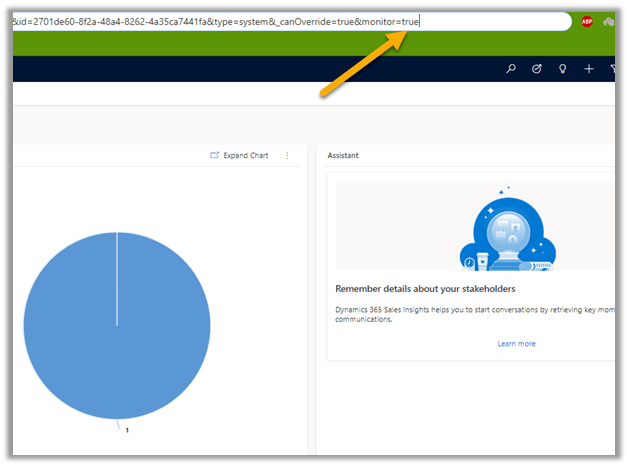
The other option is to add the parameter &monitor=true to the end of the URL
And select the monitor option
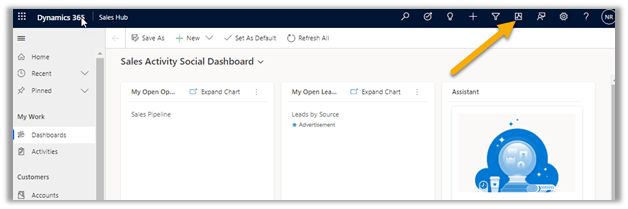
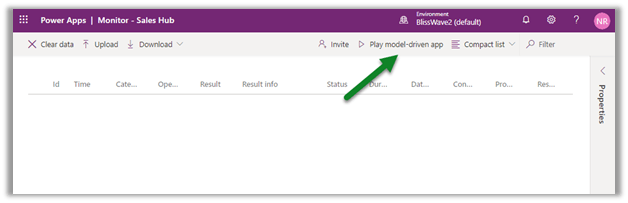
This will open the monitoring session in a new tab.
Click on the Play model-driven app.
This opens the app connected to the monitor session.
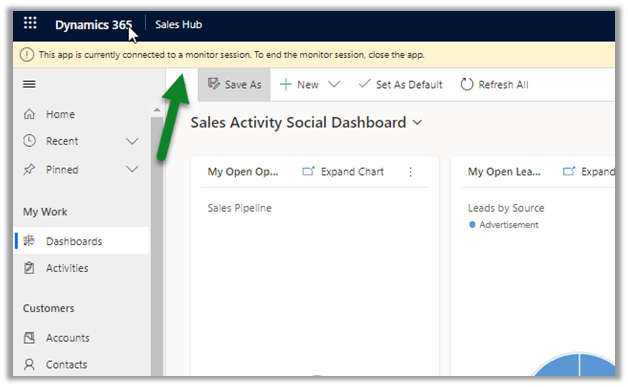
We can see any action performed tracked.
We can filter Category column to check specific events related to form.
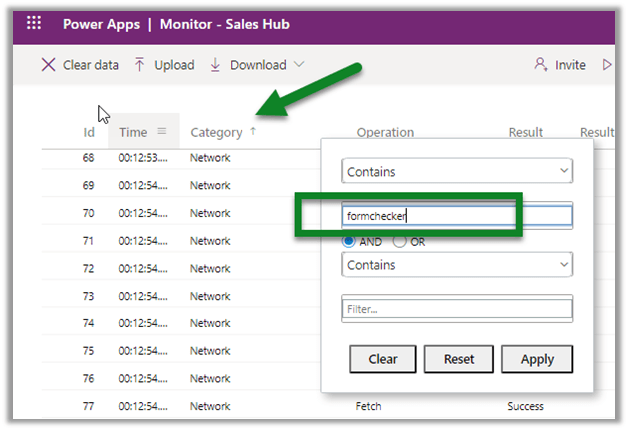
Select the row to get the details populated on the right side.

Get all the details below
https://docs.microsoft.com/en-us/powerapps/maker/model-driven-apps/monitor-form-checker
Hope it helps..
Discover more from Nishant Rana's Weblog
Subscribe to get the latest posts sent to your email.
Share It -


 Nishant Rana's Weblog
One thought on “Use Monitor to troubleshoot forms in the model-driven app (preview)– Dynamics 365”