
Hi,
We might receive the below error in CRM 2011 even though the user has the System Administrator Role assigned.
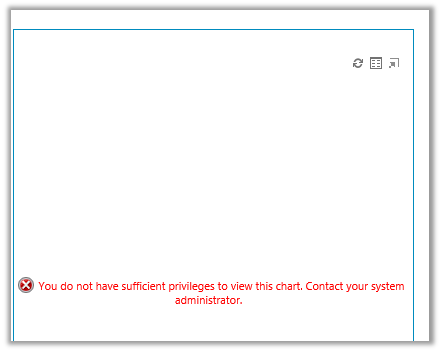
We need to check that the Access Mode for the system user is set to Read-Write and not Administrative.

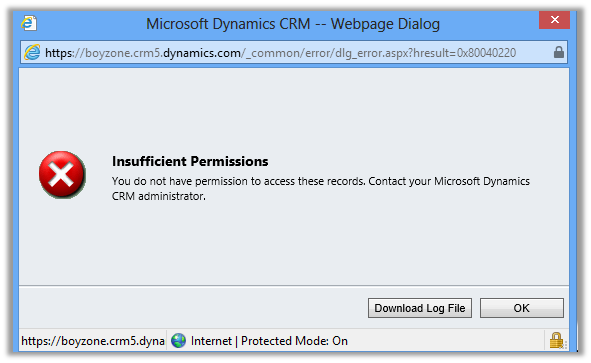
In case if we receive the Insufficient Permission error
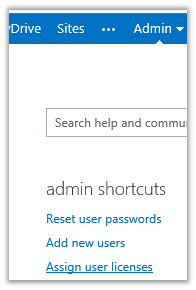
Go to Admin Section of your portal and select Assign User Licenses link in it
Assign License to the user
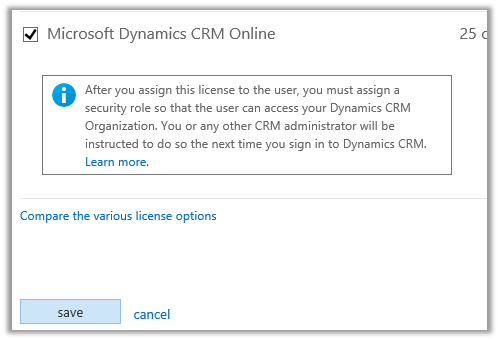
This will resolve the issue.
Bye.
Advertisements
Discover more from Nishant Rana's Weblog
Subscribe to get the latest posts sent to your email.
Share It -


 Nishant Rana's Weblog
Hey my friends. I*like*you!
LikeLike
HOLY CROW!!! About time I find this. Couldn’t find licensing controls anywhere and MS does a horrible job of talking about the tech side of things when it comes to this subject. All I could find anywhere are licensing options… Thanks for your post. Helped a lot!
LikeLike
Thanks a lot, this really helped me!!!
LikeLike