
Hi,
I was importing a csv file of size 11 mb using import data feature and got the below error.
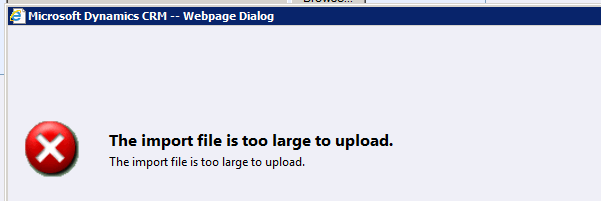
The unsupported way we can resolve it for our on premise environment is by running the following update query against MSCRM_CONFIG database.
UPDATE ServerSettingsProperties
SET IntColumn =15
where columnname=‘ImportMaxAllowedFileSizeInMB’
Also refer to this support article
http://support.microsoft.com/kb/918609
Bye.
Discover more from Nishant Rana's Weblog
Subscribe to get the latest posts sent to your email.
Share It -


 Nishant Rana's Weblog
3 thoughts on ““The import file is too large to upload” error while importing csv file of more than 8 mb in CRM 2011.”