
Suppose we want to add a new link on an entity’s form and want to call JavaScript on onclick of that link.
For doing so first we need to add a Navigation link on the form.
Click on Insert tab and Select Navigation Link button.
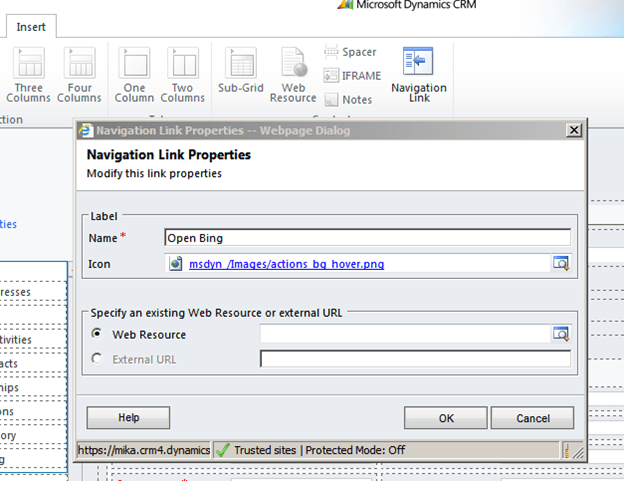
Specify Name and Icon and click on OK.
Save and Publish the customization, then open the form in IE Developer tool to get its id. We will use that id in our JavaScript function for onload of the form.
Our function
function OpenBing()
{
// get the navItem
var navItem = document.getElementById('navLink{6daba50b-300a-824b-453c-660e5b10781b}');

// override the onclick to call the connection page
navItem.onclick =function()
{
window.open("http://www.bing.com");
};
}
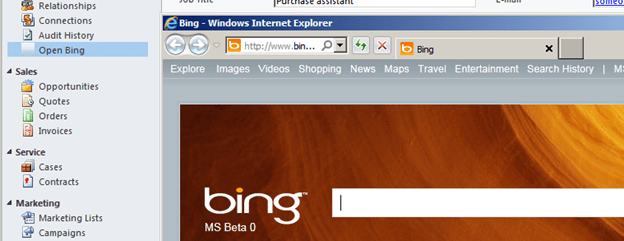
Clicking on Open Bing link opens up the Bing page.
Hope it helps.
Discover more from Nishant Rana's Weblog
Subscribe to get the latest posts sent to your email.
Share It -


 Nishant Rana's Weblog
A supported way to achieve the same thing would be to create an .HTML Webresource that contains the javascript 🙂
LikeLike