Fixed – To start using cloud flows, update to the latest package in the admin center (Power Pages)


Recently while trying to implement the below feature –

How to: Integrate Power Automate cloud flow with a Power Pages site

We were getting the below error –

To start using cloud flows, update to the latest package in the admin center.”

However, we could not find any portal package to apply the update.

We raised a Microsoft Support Ticket for it, and the team confirmed that there was a missing CDSBasePortal package, which they installed from the background, which solved the issue for us.
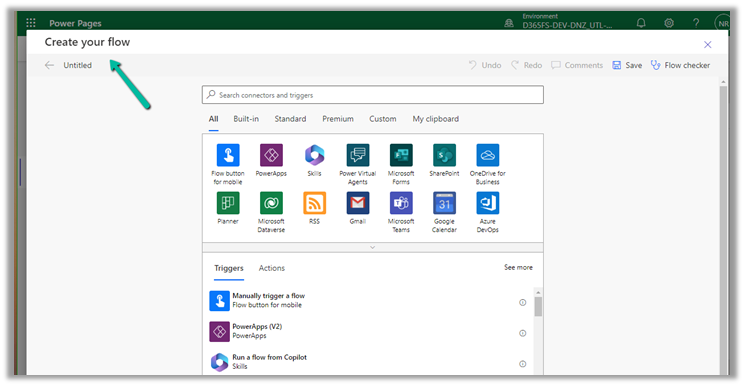
Hope it helps..

Advertisements

Fix – This portal has multiple website bindings, which will cause issues with the portal (Power Pages)


Recently we updated the Site Details like the Site Name and Site URL of a particular Website (Power Platform Admin Center >> Resources >> Dynamics
365
apps, Select the Website and choose Manage)

After which we started getting the below error message –

“Error: This portal has multiple website bindings. which will cause issues with the portal. Delete extra website binding records for this portal in the attached Dynamics 365 Organization.”

This was caused because of multiple active website binding records.

To fix it, open the corresponding Portal Management
app of the corresponding Dataverse / CRM environment.

Navigate to Website >> Website Bindings

Delete or deactivate the extra binding records leaving just one Active record to fix this issue.

Hope this helps..

Advertisements