Recently in one of our flow triggers – When a row is modified (Dataverse), we got the below error
Exception parsing _msdyn_billingaccount_value eq ‘a84c5028-ecdf-ed11-a7c7-00224893b2b0’ submitted for attribute filterexpression of callback registration. Target entity: msdyn_workorder. Exception: Microsoft.OData.ODataException: A binary operator with incompatible types was detected. Found operand types ‘Edm.Guid’ and ‘Edm.String’ for operator kind ‘Equal’.
This is because we were using single quotes around the GUID value in the Filter rows property.
We need to remove the single quotes around the GUID
GUIDs are considered a primitive data type in OData and should be represented as raw values without quotes. By removing the single quotes, we’ll ensure that the GUID is treated as a valid identifier in our filter condition.
Recently we had to change the password of the user account being used as an owner of the cloud flows as well as the used for connection/connection reference.
So we tried it on a trial environment first, below is our flow that runs every 5 minutes and creates a contact record (Dataverse), sends an email (Office 365 Outlook), and creates a file (SharePoint) owned by the same account along with the connection reference.
Below is our cloud flow
We can see the details around Connection References and Owner. We can also see it running successfully getting triggered after every 5 minutes.
Now let us update the password of the account that is being used in the flow.
Interestingly after password change our Flow kept running successfully without any errors.
Contact records are created in the Dataverse.
Mail sent using the Send an email action.
Files getting uploaded using the Create file action of SharePoint.
Also, we see the status of the connections showing as Connected.
It could be because Power Automate might be using cached credentials for a certain period after the password change, and/or the connections that use the refresh tokens to maintain authentication, have their tokens still valid.
Here what we can do immediately after changing the password is open the connections and click on Switch Account, sign in again using that account. That will referesh the connection.
That is exactly what we did for our Prod and other environments after we updated the password and we didn’t face connection failed issues or any other error for all our exiting flows.
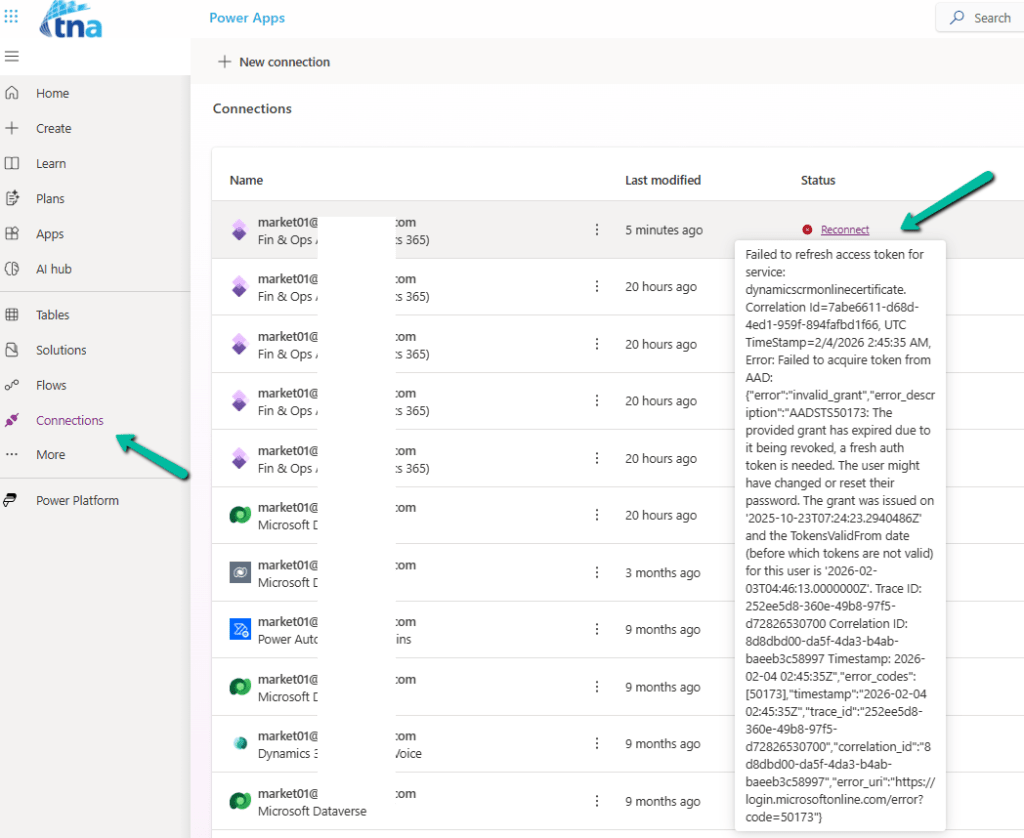
Below is an example where we didn’t refresh the connection and got the below reconnect / failure message after the password was changed.
We recently got the below error in one of our cloud flows, the requirement was to fetch the distinct work orders that have notes with attachments associated with them.
A resource of type ‘Microsoft.Dynamics.CRM.annotation’ was found in a resource set that otherwise has entries of type Microsoft.Dynamics.CRM.msdyn_workorder’. In OData, all entries in a resource set must have a common base type.
This occurs if we try using the aggeration in the Fetch XML queries in the List rows action.
The solution was to rewrite the fetch xml query without using aggregation.
And then next if we want to get the distinct values, we can use the Union function for that.
Here,
we are first adding the GUIDs to the varLstWorkOrderGUID array variable using Append to array variable action
And then applying the Union function – to remove the duplicate from the array.
Recently while trying to open one of our cloud flows we got the below error.
Error: The XRM workflow table row could not be found.
Inside the Power Automate maker portal for the new designer, we got the below error
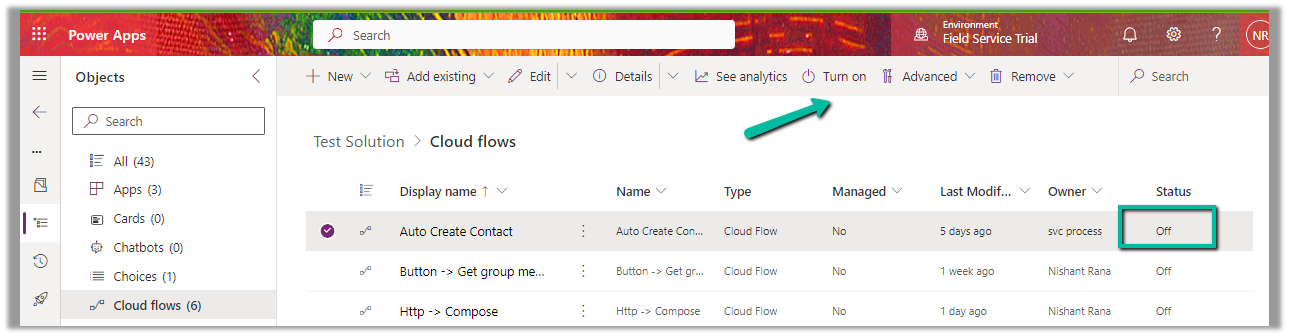
We could see our flows were in the OFF status.
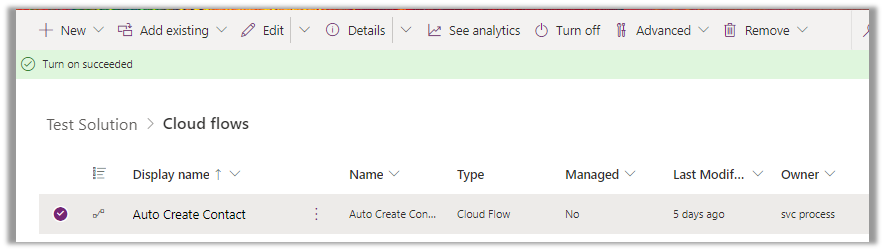
We switched ON the flows, and this fixed the issue for us.
We were able to edit our flow then.
As we recently restored the environment (was deleted), because of which the corresponding ‘Callback Registration’ records might be incorrect or missing. So enabling the flows would have created new entries in the Callback registration records for our flows, which fixed the error.
Recently while trying to save one of our cloud flows having a “When a HTTP request is received” trigger, we got the below error message after adding the “List Rows” (Dataverse) action
Request to XRM API failed with error: ‘Message: Flow client error returned with status code “BadRequest” and details “{“error”:{“code”:”InvalidOpenApiFlow”,”message”:”Flow save failed with code ‘ValueNotSupported’ and message ‘The trigger ‘manual’ at line ‘1’ and column ‘835’ is not valid. The ‘operationOptions’ property is not allowed on the trigger when the workflow contains actions of type ‘OpenApiConnection’.’.”}}”. Code: 0x80060467 InnerError: ‘.
This error occurs when you try to enable the “Suppress Headers” or “Schema Validation” option for the “When a HTTP request is received” trigger while also using actions that connect to Open API (OpenApiConnection) services within the same flow. Seems like a current limitation in Power Automate. The workaround could be to create a separate child flow having the action associated with Open API Services and use these options in the Parent flow.










 Nishant Rana's Weblog