

Recently we created a new environment, and when we tried copying our production environment to it, it gave the below error.
“Environment Operation Error -Sorry, something went wrong while requesting the details of an ongoing operation”

On trying to open the newly created environment, we got the below error.
“Environment Not Found -The environment was not found. This can happen if you recently performed an operation or switched accounts”
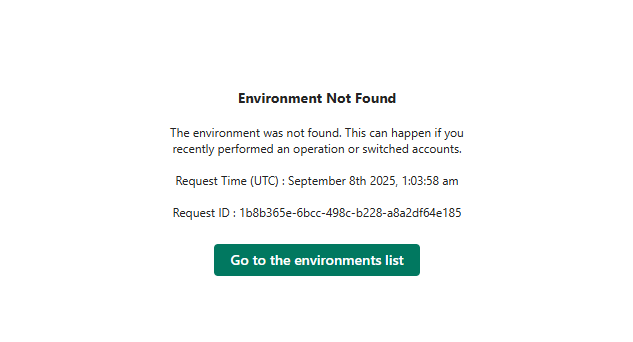
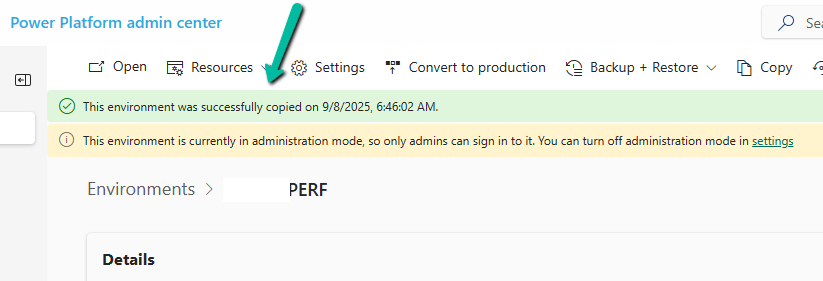
Shortly after that, we noticed the environment disappeared from the list of environments in the Power Platform Admin Center. To investigate what might have gone wrong, we raised a support ticket. However, after about an hour, the Admin Center began displaying the newly created environment we were copying to, and upon opening it, we saw the message – “The environment was successfully copied.”
We got the below explanation from Microsoft Support which clarified the behaviour – “If a copy operation begins but does not complete, particularly when using the “Copy over everything” option, the target environment may enter a missing or soft-deleted state. This is a known behavior in Power Platform, where environments can temporarily disappear from the environment list during long-running or interrupted operations.”
Hope it helps..

 Nishant Rana's Weblog