
Flow UI showing up blank – Power Automate


Recently on trying to open a cloud flow for editing, within the Power Apps Maker Portal,

the screen appeared blank as shown below.
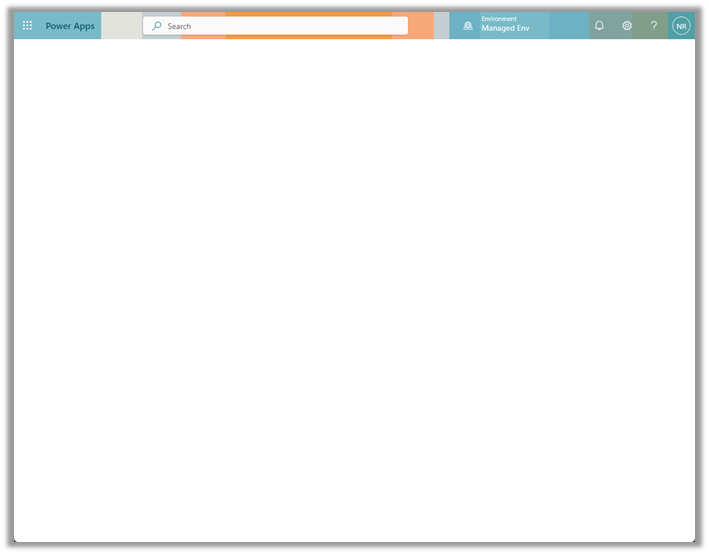
This was in the Chrome browser, signing out and signing in again also didn’t help.

The same was the case inside the Edge browser.
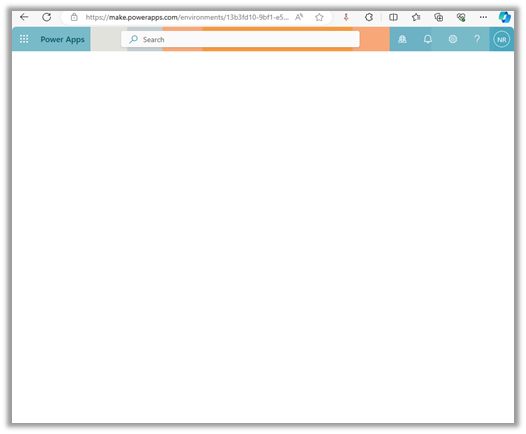
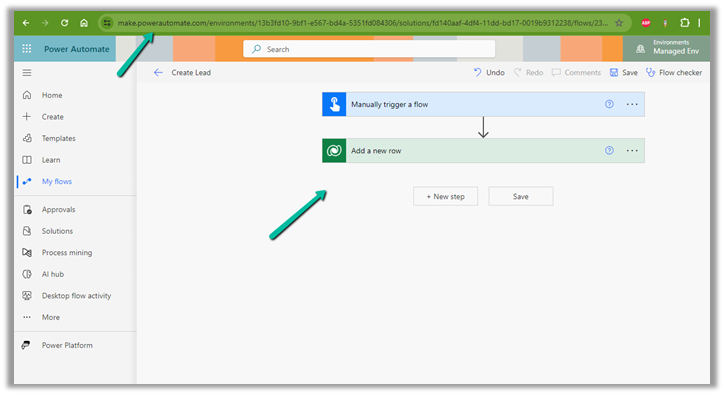
Interestingly we were able to edit from within the Power Automate Maker Portal, so we continued our work from there.
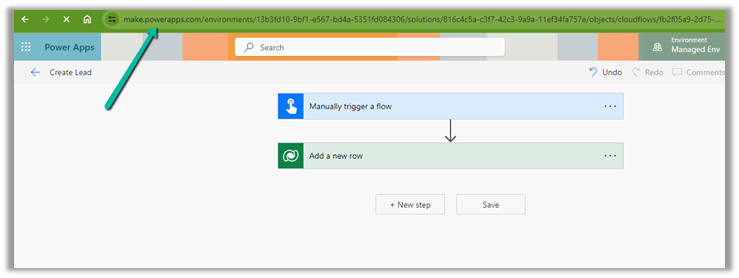
Finally, the issue was resolved automatically after 6-8 hours or so, and we could edit the cloud from the Power Apps Maker Portal also.
Hope it helps..

Advertisements

Fix – Cannot write more bytes to the buffer than the configured maximum buffer size: 104857600 (Power Automate / Dataverse)


We might below error in our flow –
BadRequest
. Http request failed as there is an error: ‘Cannot write more bytes to the buffer than the configured maximum buffer size: 104857600.’.

This is because of the 100 MB Message Size limits in Power Automate.

We can enable Allow chunking option if supported by the action.

Or we can fix it by specifying Select columns and Filter Rows to limit the data returned as in the case of the List Rows action of Dataverse.

Hope it helps..

Advertisements