

Recently we were getting the below for one of our webhooks registered on Update of lead.
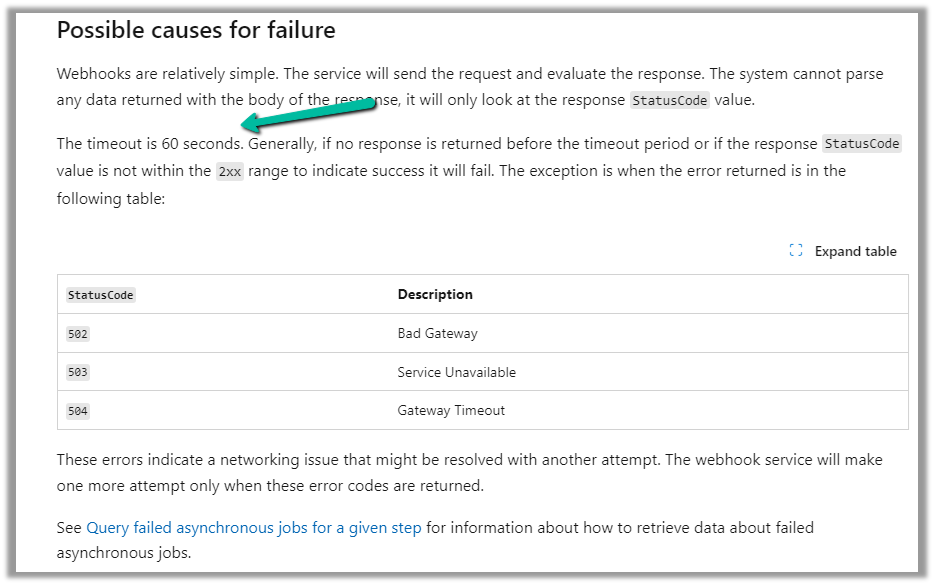
Exception Message: The webhook call failed because the Http request timed out at client side. Please check your webhook request handler.

To test the timeout, we created a below Microsoft Flow with HTTP trigger, Delay and actions to be used as Webhook.
Helpful post – https://d365demystified.com/2021/11/23/call-flow-from-webhooks-in-dynamics-365-crm-power-automate/
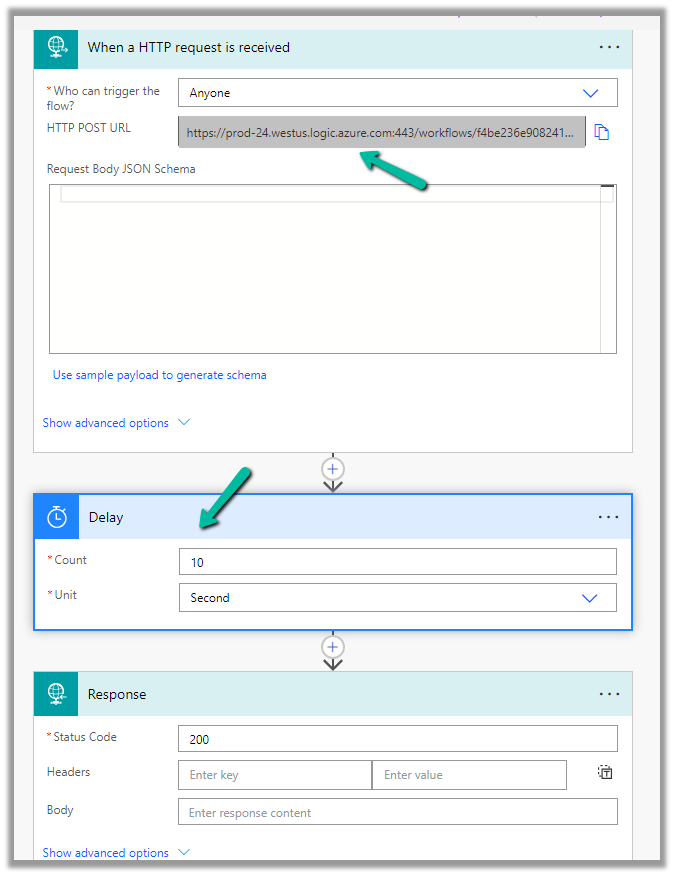
Let us register this through the Plugin Registration tool.

We can get the values from the HTTP Post URL Generated.
For the Endpoint URL, enter URL Path and use Params for Key and Values.

Register the synchronous step on the update of the lead for the webhook

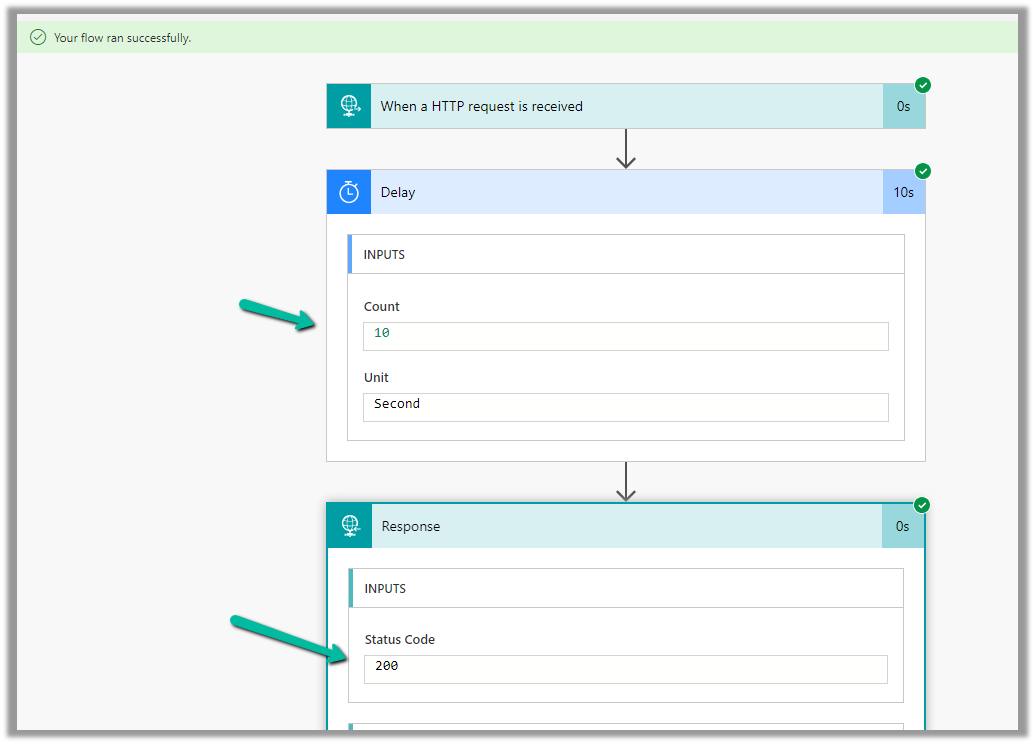
Let us trigger the flow, right now we have Delay set as 10 seconds.
The flow runs successfully as expected.
Now let us update the delay to 61 seconds and trigger the flow again by updating the lead record.
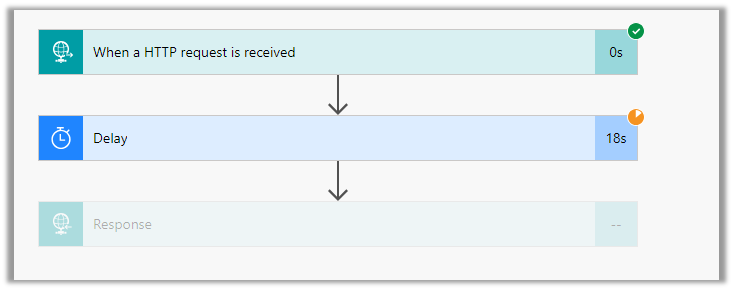
As expected we get the time-out error this time.

The same is the case if we register the plugin step asynchronously.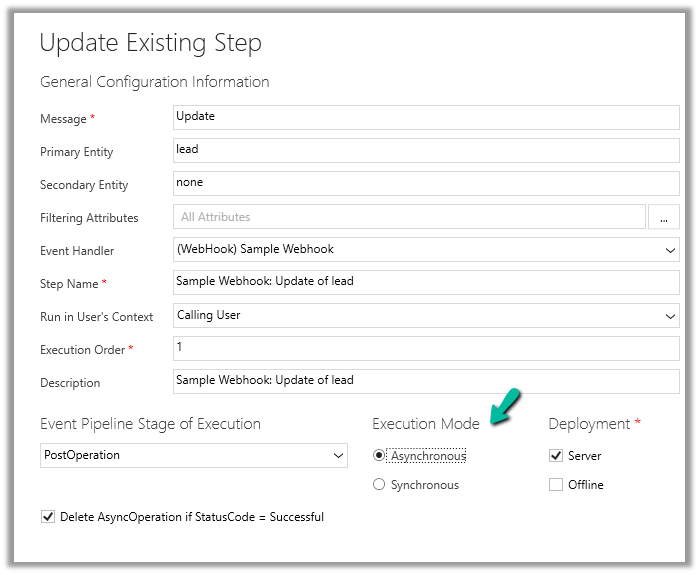
For the asynchronous step, we can check the corresponding system job for the error.

Hope it helps..
Discover more from Nishant Rana's Weblog
Subscribe to get the latest posts sent to your email.
Share It -


 Nishant Rana's Weblog
2 thoughts on “The webhook call failed because the Http request timed out at client side. Please check your webhook request handler – Dataverse / Dynamics 365”