

In Dynamics 365, attribute maps define how data flows from one record to another when creating related records. For example, when creating a Contact from an Account, fields like Address, Phone Number, and Website are copied automatically through predefined mappings. These mappings are part of standard Microsoft solutions like Sales, Customer Service, and Marketing.
If we try deleting these out-of-the-box (OOB) mappings, we will encounter an error — the platform restricts the deletion of system mappings to protect standard data flow and solution integrity.
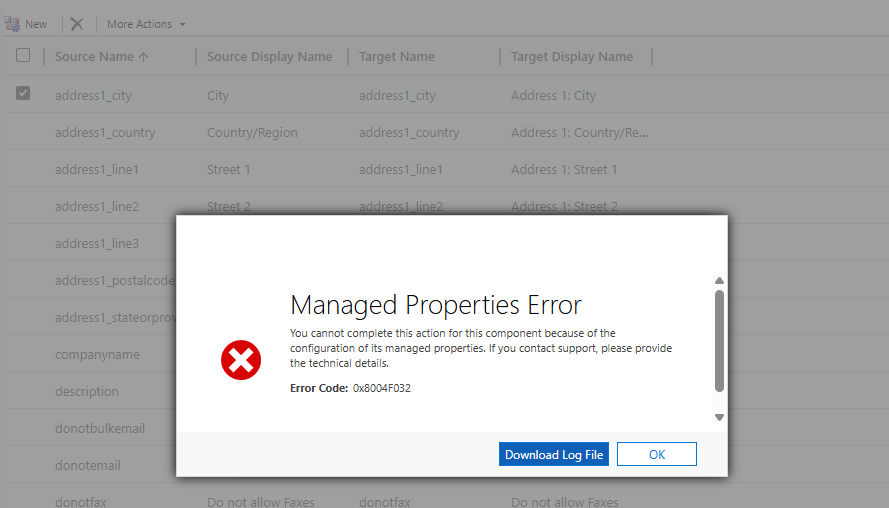
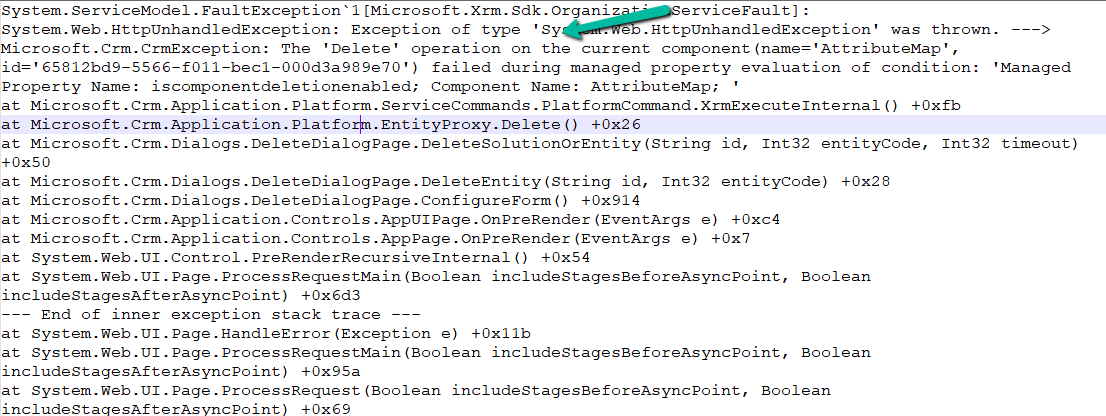
Using the Block Deletion of Out-of-the-box Attribute Maps feature setting, we can govern this behavior. Navigate to Environment → Settings → Features to locate this option.

When we disable this setting, the platform allows the deletion of OOB mappings.


In some scenarios, it could be applicable, like during lead conversion, where we may want to remove OOB mappings (like Address, Job Title, or Description) to populate these fields using external data. Some organizations use a custom quoting process instead of the OOB Opportunity → Quote flow. They remove the standard attribute maps that automatically copy data into Quote fields to prevent conflicts with their own automation.
However, even if these mappings are deleted, they can reappear when Microsoft pushes future solution updates. The recommendation is to only disable this setting if there is a specific and controlled use case, typically in a non-production environment, and with a backup plan in place. Keeping this setting enabled ensures consistency and prevents loss of important system logic that underpins Dynamics 365’s standard data flow.
Hope it helps..

 Nishant Rana's Weblog