

Recently, while trying to update the Projects table in Finance & Operations using the Fin & Ops Apps actions in Power Automate, we ran into below error:
An error has occurred. No resources were found when selecting for update.
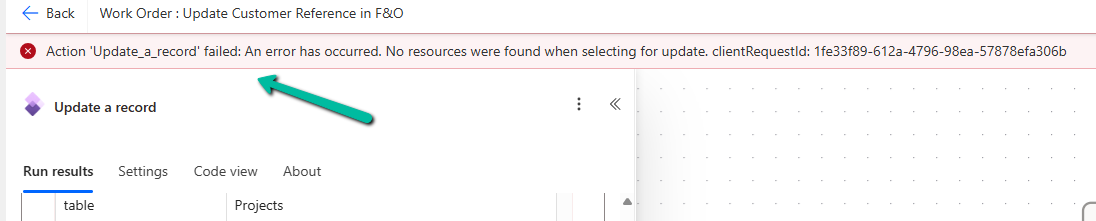
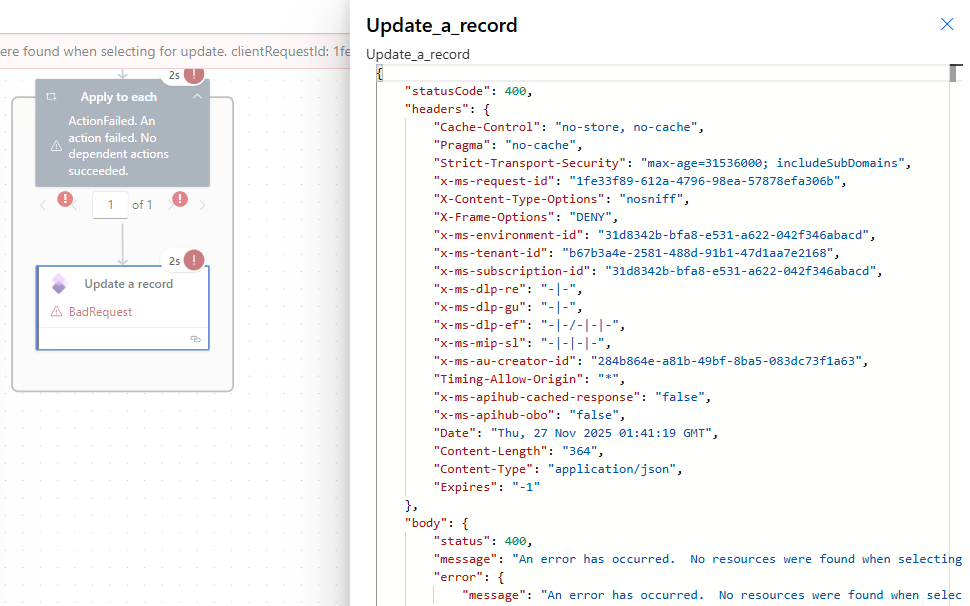
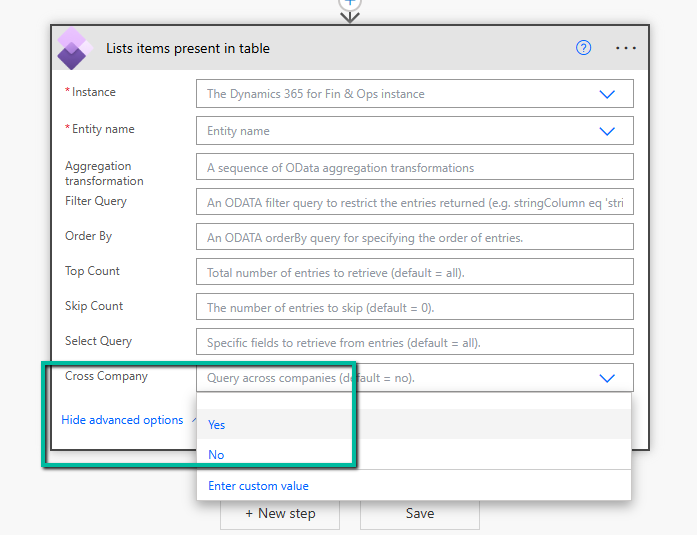
After digging deeper, we realised the issue had nothing to do with the payload or field mappings. The root cause was that the default company of the connection user in Finance & Operations was different from the company of the record we were trying to update. The Fin & Ops connector always operates in the context of the user’s default legal entity, and unlike the “List items present in table” action, it does not offer any “Cross Company” option for update operations. The result is that Power Automate looks for the record in the wrong company and, naturally, F&O returns a “record not found” error.
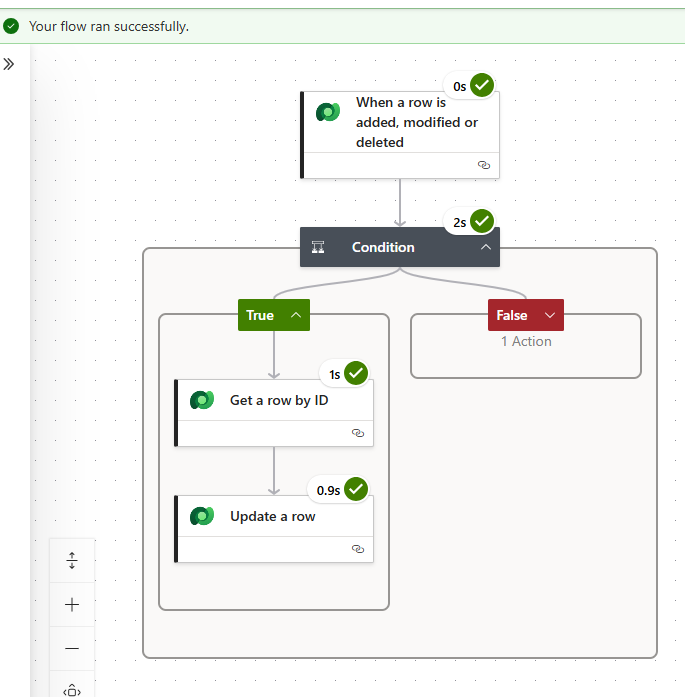
In our scenario, we had dual-write and virtual entities enabled. When this is the case, Finance & Operations exposes many of its data entities as Dataverse Virtual Tables. These tables are essentially real-time proxies: Dataverse reads and writes directly into F&O while automatically handling the underlying company and key structure. So instead of updating the F&O Projects table directly, we switched our Power Automate logic to update the corresponding virtual entity in Dataverse. That simple change immediately resolved the issue. The update worked flawlessly across companies, and we didn’t have to worry about the user’s default company or any cross-company flags.
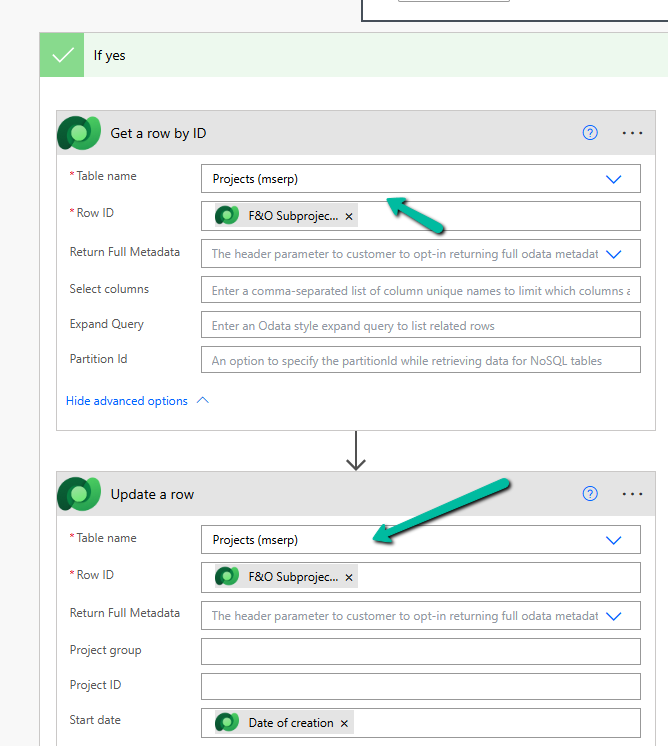
This completed without errors, even for multi-company data.
There are other approaches as well, depending on how your environment is set up. We could bypass the connector entirely and make raw OData PATCH calls to F&O, as long as we manually specify the full composite keys, including the DataAreaId. Another option is to build a small custom API or X++ service that accepts a legal entity parameter, executes a changeCompany call in F&O, and safely performs the update on the server side. Both approaches work, but they require more configuration, authentication handling, and careful error management. For most day-to-day automation scenarios, the virtual entity route remains the simplest and most reliable.
In our case, switching to the Dataverse Projects (mserp) virtual table solved the issue immediately. The update completed without errors, even for multi-company data, and the flow became much cleaner.
A detailed explanation of this limitation can be found here, and was very helpful in troubleshooting:
Multiple legal entities issue with the Fin & Ops Apps connector in Power Automate
Hope it helps..

 Nishant Rana's Weblog