A common problem that many users report in CRM is that the system is automatically sending out e-mail notifications to recipients for CRM Appointments without the user’s permission. However, you know CRM doesn’t automatically send out Appointment e-mails and there are no background processes or workflows that are sending these notifications. So what are the users referring to?
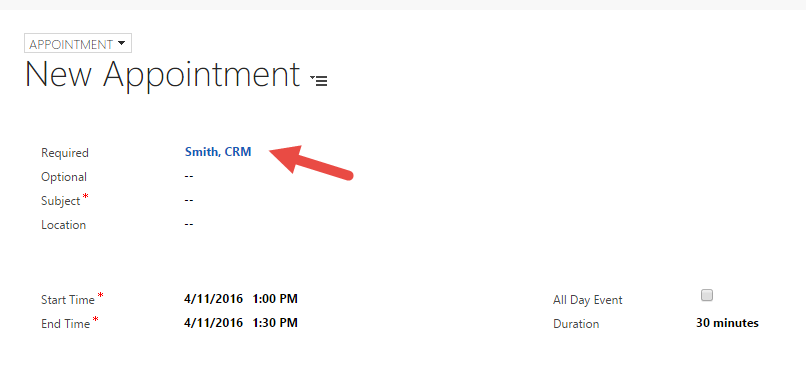
Since CRM 2013, most users have been creating appointments through the Social Pane. One nice thing about creating appointments from the Social Pane is that CRM automatically populates information onto the Appointment form. A major downside to this though is that one of the fields that gets populated is the “Required” field.
When an Appointment is saved with values in the “Required” field and it syncs to a user’s e-mail, it has the same effect as inviting attendees to an appointment in Outlook or Office 365. When attendees are on an Appointment, e-mail notifications are sent out…




 Nishant Rana's Weblog