
January 26, 2022 9:00 AM
https://nishantrana.me/2022/02/09/how-to-import-data-from-local-data-files-to-dynamics-365-customer-insights/To set up the trial of Customer Insights, open the Dynamics 365 Free Trial Page and scroll down to Dynamics 365 Customer Data Platform section
https://dynamics.microsoft.com/en-gb/dynamics-365-free-trial/
Click on Try for free
Sign in with your work account or the Dynamics 365 trial account created and click on Get Started
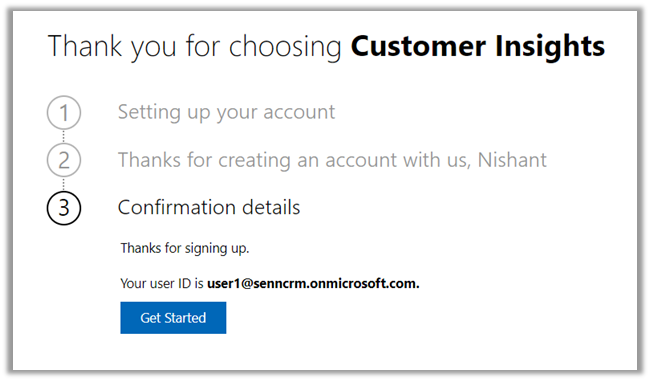
As a first step, it asks for specifying the region for the communication preferences.

For the trial, let us choose the Audience Insights option.

It opens the Demo environment having the sample data. We can explore and understand the features with the sample data or we can start a trial.
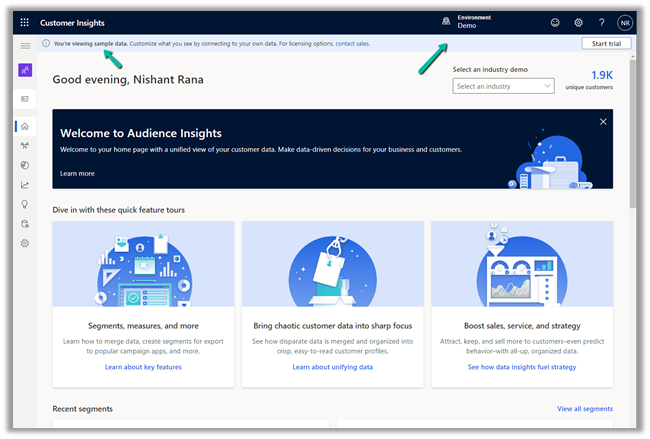
Let us select the option Start trial in the tool bar to connect it to an existing CRM / Dataverse Environment.
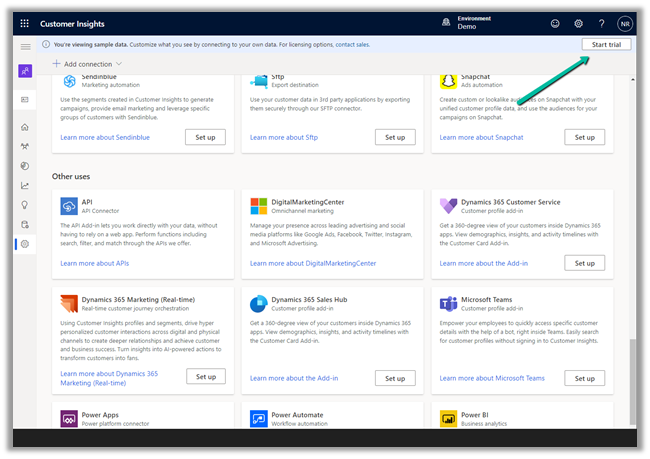
Enter the basic information requested. Make sure you have selected the correct region else you might get unable to create an environment error later.

The data storage option comes as disabled.
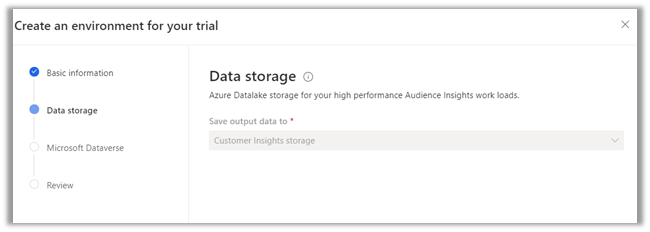
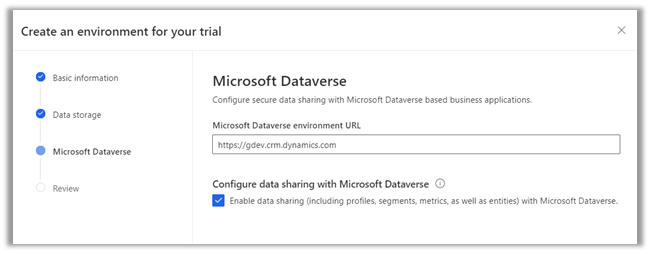
Specify the Dataverse / CRM environment’s URL. (here I am logged in with System Administrator user who is also the Global Admin)
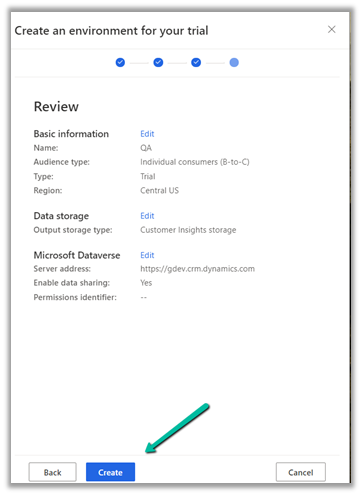
Finally, review the information and click on Create.
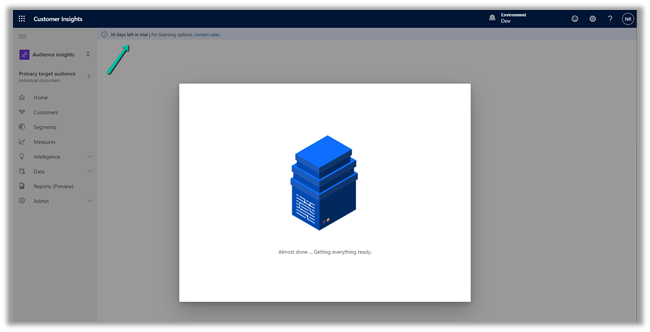
This will configure a 30 day trial against the CRM / Dataverse environment.
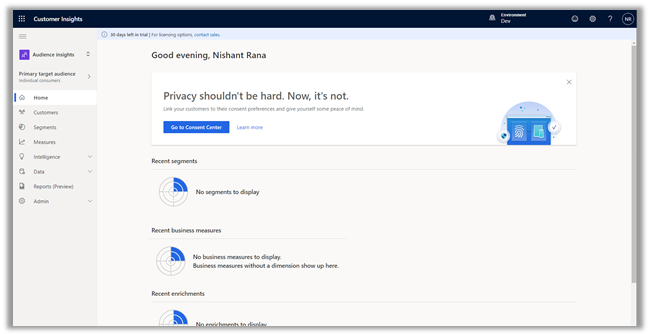
Now we are ready to explore it further.
How to – Import Data from Dataverse / CRM to Dynamics 365 Customer Insights
How to – Import Data from local data files to Dynamics 365 Customer Insights
How to – Unify (Map, Match and Merge) Entities in Dynamics 365 Customer Insights
Hope it helps..
Subscribe to get the latest posts sent to your email.

Posted by Nishant Rana
Categories: CRM, Dynamics 365 Customer Insights, Microsoft Dynamics 365
Tags: CRM, Dynamics 365 Customer Insights, Microsoft Dynamics 365, Microsoft Dynamics CRM, PowerApps
Mobile Site | Full Site
Get a free blog at WordPress.com Theme: WordPress Mobile Edition by Alex King.
[…] To set up the trial of Customer Insights, open the Dynamics 365 Free Trial Page and scroll down to Dynamics 365 Customer Data Platform section https://dynamics.microsoft.com/en-gb/dynamics-365-free-trial/ Click on Try for free Sign in with your work account or the Dynamics 365 trial account created and click on Get Started As a first step, it asks … Continue reading “How to – Set up Dynamics… […]
LikeLike
By How to – Set up Dynamics 365 Customer Insights Trial - 365 Community on January 26, 2022 at 10:39 AM
[…] https://nishantrana.me/2022/01/26/how-to-set-up-dynamics-365-customer-insights-trial/ […]
LikeLike
By How to – Import Data from Dataverse / CRM to Dynamics 365 Customer Insights – Nishant Rana's Weblog on February 1, 2022 at 9:00 AM
[…] Set up Dynamics 365 Customer Insights Trial […]
LikeLike
By How to – Import Data from local data files to Dynamics 365 Customer Insights – Nishant Rana's Weblog on February 9, 2022 at 9:00 AM
[…] https://nishantrana.me/2022/01/26/how-to-set-up-dynamics-365-customer-insights-trial/ […]
LikeLike
By How to – Unify (Map, Match and Merge) Entities in Dynamics 365 Customer Insights – Nishant Rana's Weblog on February 10, 2022 at 9:00 AM