
Hi,
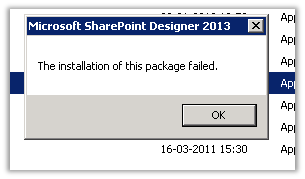
After downloading the SharePoint Designer 2013 installer on my lab machine and trying to run it I was getting the below error
Right clicking on it and selecting properties showed that it had the Digital Signatures tab missing in it.
Then downloaded the exe on my other machine, and it had the Digital Signatures tab.
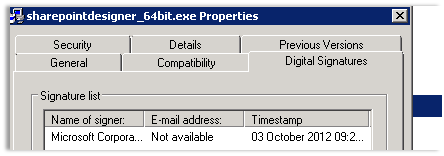
Using this new exe on the lab machine I was able to install the Designer.
Hope it helps.
Discover more from Nishant Rana's Weblog
Subscribe to get the latest posts sent to your email.
Share It -


 Nishant Rana's Weblog
i’m working in offline environment and when i’m copy the spd2013 to my machine i’m getting the same error is it a problem to install spd in offline enviroment
LikeLike