
Hi,
Out of the box the Refinement web part shows the different filters, but it doesn’t show the number of count for the results.
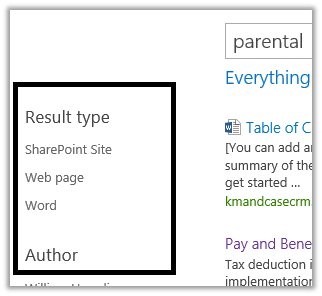
For this we need to modify Filter_Default.html page that is being used by these filters.
Go to the master page gallery
https://test.sharepoint.com/sites/contoso/_catalogs/masterpage/Forms/AllItems.aspx
Select Display Template à Filters à Filter_Default.html
Download the file
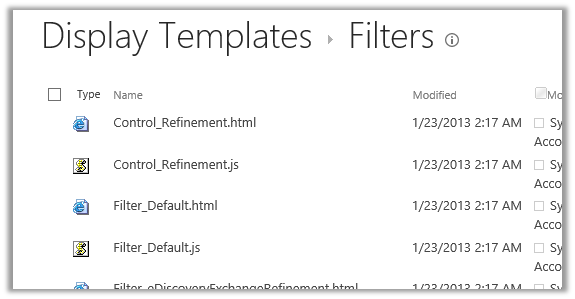
Make the following change in it
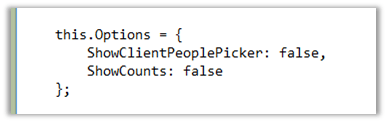
Change the ShowCounts to true and upload the file.
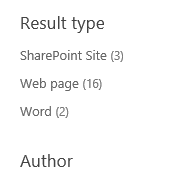
Do the search again and we will see the count
Hope it helps.
Discover more from Nishant Rana's Weblog
Subscribe to get the latest posts sent to your email.
Share It -


 Nishant Rana's Weblog
thanks so much…. It helped me..
LikeLike
in my case when upload the html file the equalent js file is not creating. Because of this i am unable to select my template in the refinement panel webpart.
Could you please tell me why java script file is not creating?
LikeLike