
Hi,
I was trying to add Napa app for developing apps for SharePoint 2013 online and got the below message.
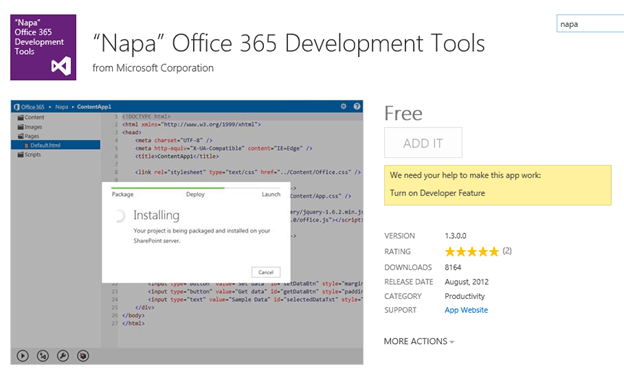
To get it enabled we need to have a Developer Site.
So we need to create a new private site collection with Developer Site as template
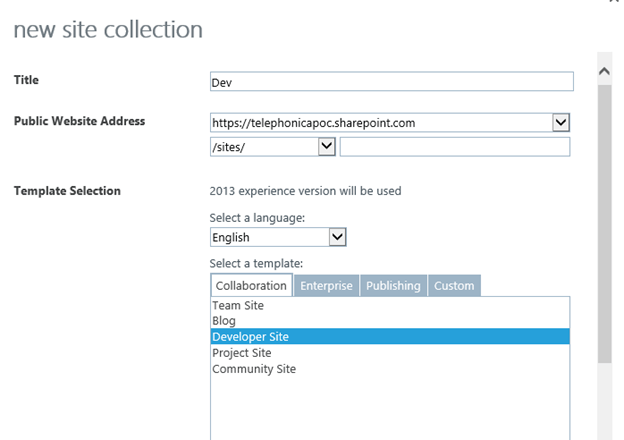
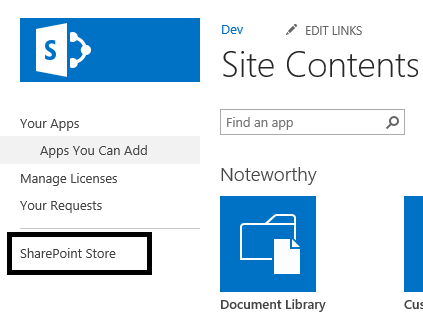
Open the site collection then à Go to Site Contents àSelect Add an App

Select SharePoint Store
Select Napa app from there
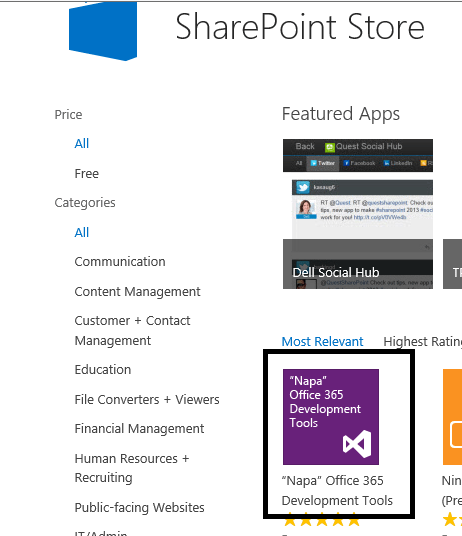
Login with your Hotmail account and add the App to the site collection.
Hope it helps.
Discover more from Nishant Rana's Weblog
Subscribe to get the latest posts sent to your email.
Share It -


 Nishant Rana's Weblog
Really Nice Post.
LikeLike
I follows the steps and added it on my site but it only up to that site collection level. Can i use this NAPA tool for other site collection also ??? because currently it is not allowing to add it says first enable Development feature and my site is Team Site. Please advise.
LikeLike
Well, this post should be renamed to how Napa installation is done rather than “Turn on Developer Feature”, this is a burning issue and was disappointed looking at this blog. sorry about that. 😦
LikeLike
This is so wrong, you dont need to create a new site collection for that. omg. u can do that with powershell easily
LikeLike