
Hi,
For disabling view button, disabling “look for” option or hiding Button in lookup we can make use of JavaScript.
We need to refer to our lookup through DOM in our onload event and set its attributes (unsupported).
Suppose our lookup id is customerid
document.getElementById(“customerid”).setAttribute(“disableViewPicker“, “1”);

document.getElementById(“customerid”).setAttribute(“disableQuickFind“, “1”);

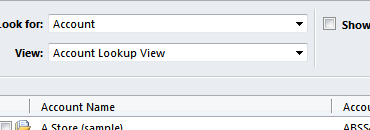
document.getElementById(“customerid”).setAttribute(“_lookupbrowse“, “1”);
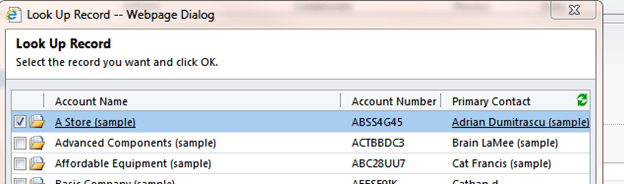
Hiding New Button
function myHideLookupButton()
{
crmForm.all.customerid.attachEvent(“setadditionalparams“,HideButton);
}
function HideButton()
{
crmForm.all.customerid.AddParam(“ShowNewButton“, 0);
}
Bye.
Discover more from Nishant Rana's Weblog
Subscribe to get the latest posts sent to your email.
Share It -


 Nishant Rana's Weblog
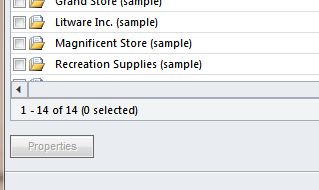
For Hiding Property Button
document.getElementById(“customerid”).setAttribute(“showproperty”, “0”)
LikeLike