

In this post, we’ll see how we can perform aggregate function on data such as Sum or Count using PowerAutomate. Unlike LINQ in C# or SQL, it’s not very straight forward to do using PowerAutomate for which I thought of sharing the approach we had taken.
Recently, we got a requirement to calculate the sum of Quantity, after grouping the data on 5 columns NDISNumber, SupportDeliveredFrom, SupportNumber, ClaimType and CancellationReason in a custom entity Claim.
Below are the steps we followed to achieve the result:
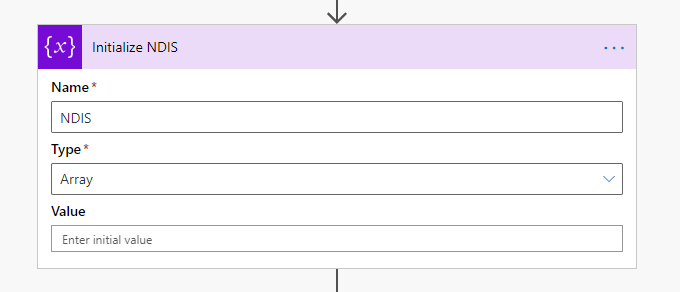
Purpose: Hold the unique data of 5 columns based on which we need to group data.

Purpose: Resultant array to hold unique data along with sum of quantity
Initialize 5 variables to hold unique values of each group-by column inside Apply to each action we are going to use further. Please see…
View original post 564 more words
Discover more from Nishant Rana's Weblog
Subscribe to get the latest posts sent to your email.
Share It -


 Nishant Rana's Weblog