
Sharing for quick reference !
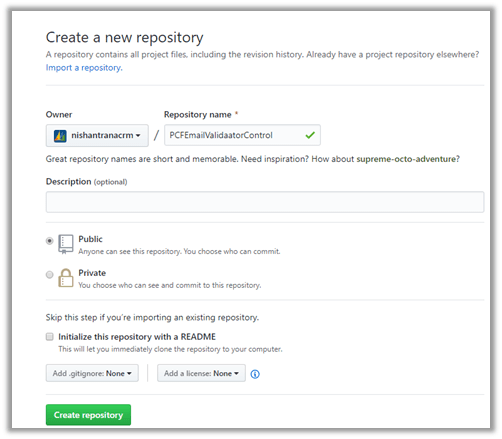
- Create a new repository in GitHub and copy its URL.
- Go to the project folder and run git init command to initialize the local directory as Git repository. Download Git for Windows
git init

- Add the files to this new local repository
git add .

-
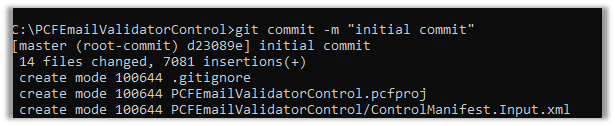
Commit the files to the local repository
git commit -m “my first commit”
- Specify the URL of the remote repository and set the new remote
git remote add origin URL
git remote -v

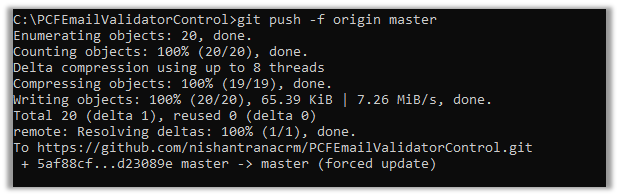
- Push the changes to GitHub
git push origin master
Get all the details here
https://git-scm.com/book/en/v2
Hope it helps..
Discover more from Nishant Rana's Weblog
Subscribe to get the latest posts sent to your email.
Share It -


 Nishant Rana's Weblog
One thought on “How to – add an existing project to GitHub through command line”