

Power BI is one of the top reporting tool that allows almost anything as its data source. Here we will cover how can we bring CRM Online data to Power BI for reporting.
There are two ways of doing it
- Odata Connection
- Data Export Service
In this blog I will cover on how you can use Microsoft’s Data Export service to use CRM Online’s data for Power BI reporting.
Prerequisites
- Azure Subscription
- Microsoft CRM Online 2016 or later version
Steps
- Create a new CRM Online Instance
- We will not go into the details of creating a new CRM Online instance. The steps for the same is specified under the link above.
- Go to Microsoft Dynamics 365 – Data Export Service
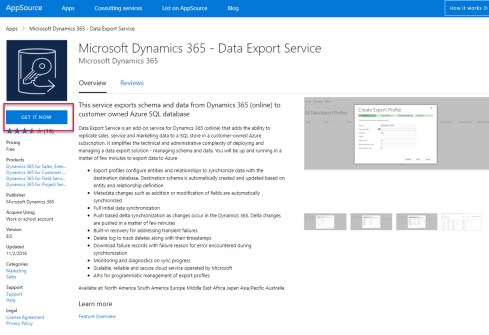
- Click GET IT NOW
- Agree to terms and conditions & click Continue

- Connect to your D365 CRM online instance from the drop down and click Agree.

- Under Manage your…
View original post 1,104 more words
Discover more from Nishant Rana's Weblog
Subscribe to get the latest posts sent to your email.
Share It -


 Nishant Rana's Weblog